1
magicolor 2400W
magicolor 2430 DL
magicolor 2450
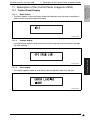
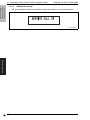
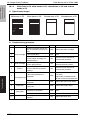
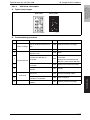
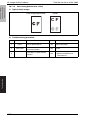
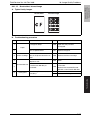
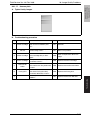
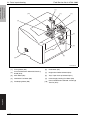
8. Description of the Control Panel (magicolor 2400W)
Field Service Ver. 4.0 Feb. 2006
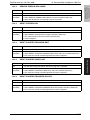
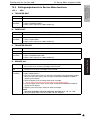
B. Transfer Belt Unit
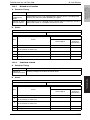
Function
• Resets the counter for the Transfer Belt Unit.
Use
• When the Transfer Belt Unit has been replaced with a new one.
Setting
/procedure
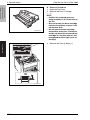
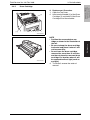
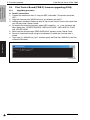
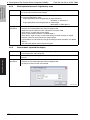
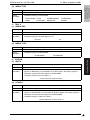
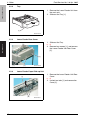
1. Connect the printer to the PC.
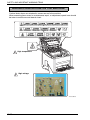
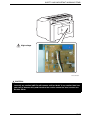
NOTE
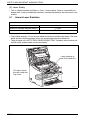
• At this time, make sure that the Upper Cover of the printer is open.
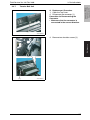
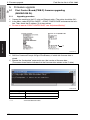
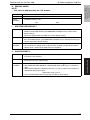
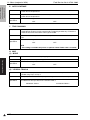
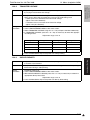
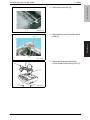
2. Execute the “TransferBelt.exe” Service Support Tool.
4139fs3513c0
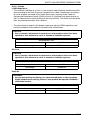
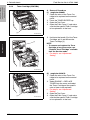
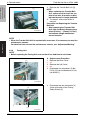
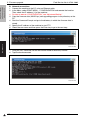
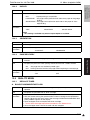
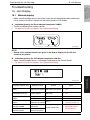
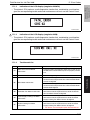
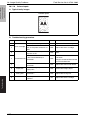
3. Click “Status” to check the current counter reading.
4139fs3523e0
Adjustment / Setting
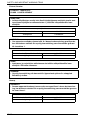
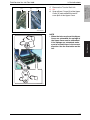
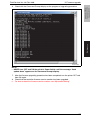
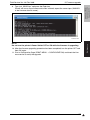
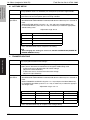
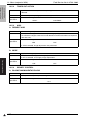
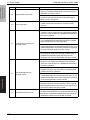
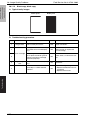
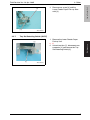
4. Click “Yes” to reset the counter.
4139fs3524e0
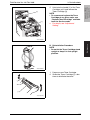
* To quit the function without resetting the counter, click “No” or “End.”
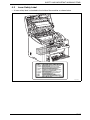
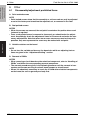
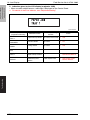
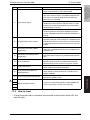
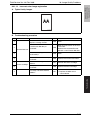
5. Click “Status” again to make sure that the counter has been correctly reset.
4139fs3525e0
6. Close the Upper Cover of the printer.
70