1
Additional OBD2 Tests
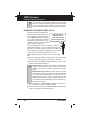
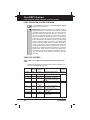
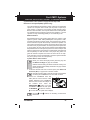
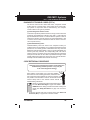
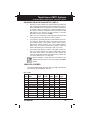
SYSTEM TEST
■
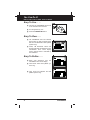
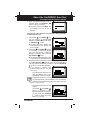
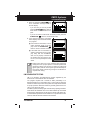
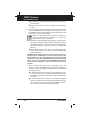
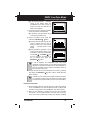
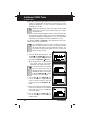
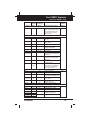
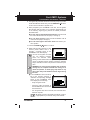
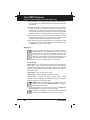
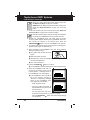
Test ID number
■
Module ID number
■
Component ID number
■
Min or Max test limit
Only one test limit, either Min
or Max, is shown for any given
test.
■ Test Value and status
Status is calculated by the CanOBD2&1 Scan Tool by
comparing the Test Value against the displayed test limit
(either Min or Max). Status is shown as either Low, High
or OK.
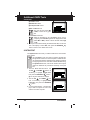
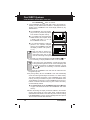
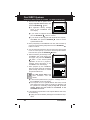
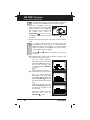
5. When you have finished viewing the retrieved test data, scroll to the
end of the display to select Exit, then press the ENTER/LD
button to return to the “Select Test” screen.
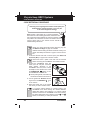
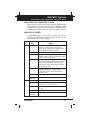
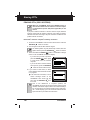
SYSTEM TEST
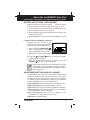
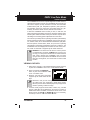
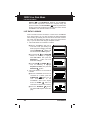
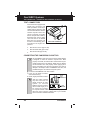
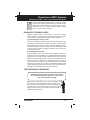
The System Test function lets you initiate a leak test for the vehicle's
EVAP system.
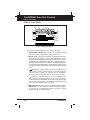
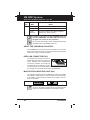
The CanOBD2&1 Scan Tool does not perform the leak test,
but signals the vehicle's on-board computer to initiate the test.
The vehicle manufacturer determines the criteria and method
for stopping the test once it has been started. BEFORE using
the System Test function, refer to the vehicle's service repair
manual to determine the procedures necessary to stop the
test.
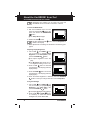
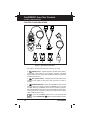
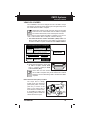
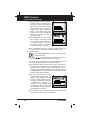
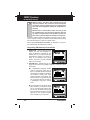
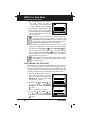
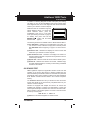
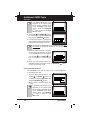
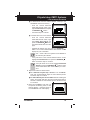
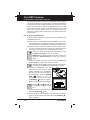
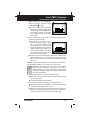
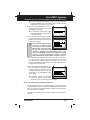
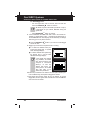
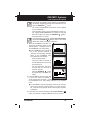
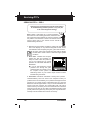
1. From the "Mode Selection Menu", use
the UP
and DOWN
buttons as
necessary, to highlight System Test,
then press the ENTER/LD
button.
■
The "System Test Menu" displays.
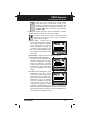
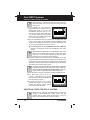
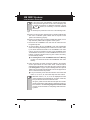
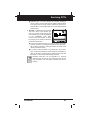
2. Use the UP
and DOWN
buttons, as necessary, to highlight EVAP
Leak Test, then press the ENTER/LD
button.
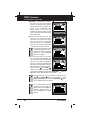
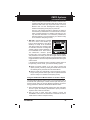
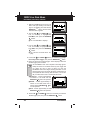
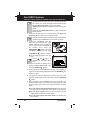
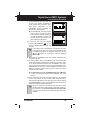
3. A "One moment please..." message displays while the request is sent to the
vehicle's on-board computer.
54
E
CanOBD2&1