1
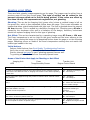
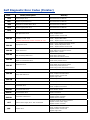
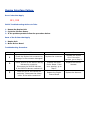
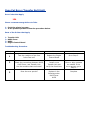
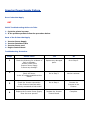
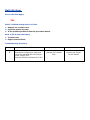
Fan Failure
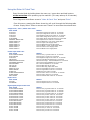
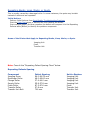
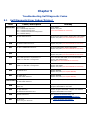
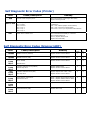
Error Codes that Apply
127
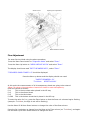
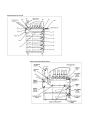
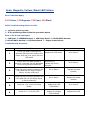
Fuser Fan
128 01 Fuser Fan
02 Power Fan
05 Image Drum Fan
04 Belt Fan
03 PU Motor Fan
06 Top Cover Fan
918 Duplex Fan
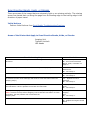
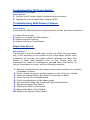
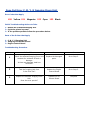
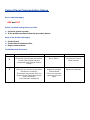
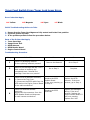
Initial Troubleshooting Actions to Take
1.
2.
3.
4.
5.
Ensure that the temperature and installation clearances of the printer are at specifications.
Clean all fan ducts.
Turn the printer off and allow a minimum of 30 minutes for cooling.
Restart the printer.
If the problem persists follow the procedure below.
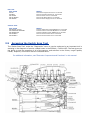
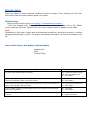
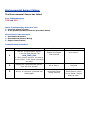
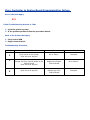
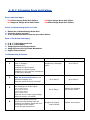
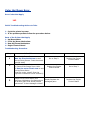
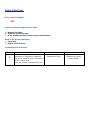
Parts of the Printer that Apply
1. Fan Associated with the code
2. Engine Control Board
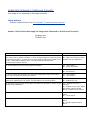
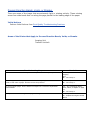
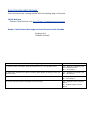
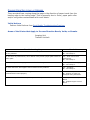
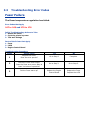
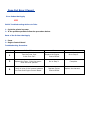
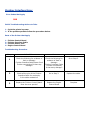
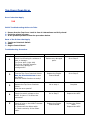
Troubleshooting Procedure
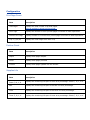
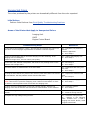
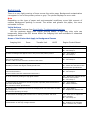
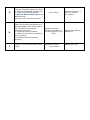
Steps
1
2
Action Taken
Test the cooling fan for proper
operation and adequate airflow.
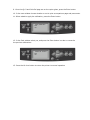
Run the Motor Clutch Fan test.
Does the fan operate correctly?
Does this resolve the issue?
Yes
No
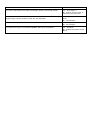
Replace the Engine
Control Board
Check the Fan connection.
Complete
Replace the Fan.