1
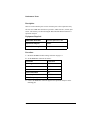
Repair
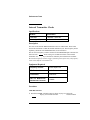
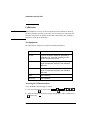
Fault
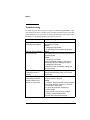
Troubleshooting
No Serial Port activity.
Cause:
Processor board faulty.
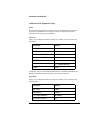
No Tx signal with PRBS
or fixed pattern.
Cause:
Processor board, or North connector
assembly or cable faulty. Or Rx only Test
Mode selected.
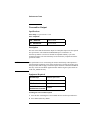
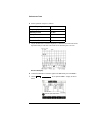
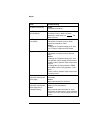
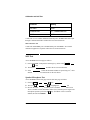
No TX signal with VF
tone pattern.
Cause:
PSU board, Processor board, or North
connector assembly or cable.
Action:
1.Change the TX pattern setting to VF tone.
If no Tx signal, suspect the PSU board.
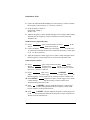
No speaker output.
Cause:
PSU board, Processor board, or Keymat
faulty.
Action:
1.Change the TX pattern setting to VF tone.
If no speaker output, change the PSU board.
If there is still no speaker output, suspect the
Keymat.
2. Change the TX pattern setting to PRBS,
select Beep on Error and generate a 1x10⁻³
errors.
If there is still no speaker output, suspect the
Processor board.
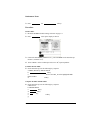
Instrument switches off
soon after reaching the
Tx/Rx page.
Cause:
Flat battery.
Action:
Apply external power for 24 hours.
Instrument switches off
soon after reaching the
Tx/Rx page with a
“charged” battery.
Cause:
Battery or PSU board faulty.
Action:
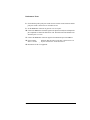
Apply external power and listen for “buzz”
sound from the instrument in quiet conditions.
If there is no “buzz” sound, suspect the PSU
board.
3-5