1
RETURN TO MAIN MENU
SECTION VI
TROUBLESHOOTING
Tech 2 Self Tests
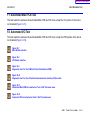
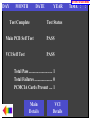
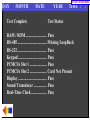
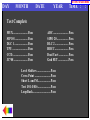
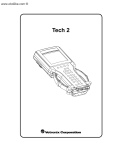
Tech 2 self tests verify that the Tech 2 is functioning normally. The self tests evaluate all critical areas of
the Tech 2 and display pass or fail messages for each subsystem tested. Self tests isolate user error from
system hardware failures. The self tests should be performed periodically to insure that the Tech 2 is
operating properly.
The Tech 2 must meet the following requirements in order to do a self test:
• Screen display must be fully readable
• Keypad must be operational
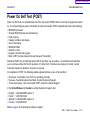
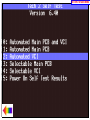
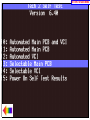
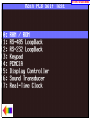
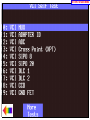
Begin the Tech 2 self-testing program by following these steps:
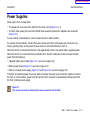
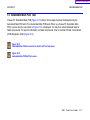
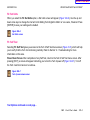
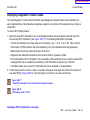
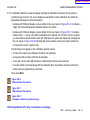
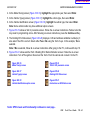
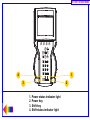
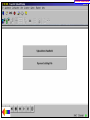
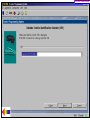
1. Press [ENTER] while viewing the Tech 2 start-up screen (Figure VI-1).
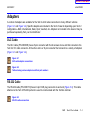
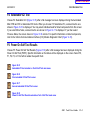
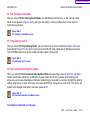
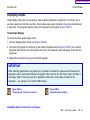
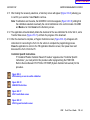
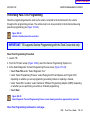
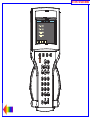
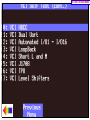
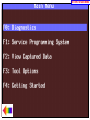
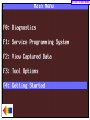
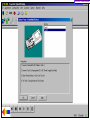
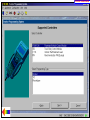
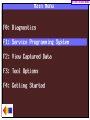
2. Select F3: Tool Options from the Tech 2 Main Menu (Figure VI-2).
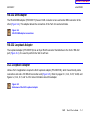
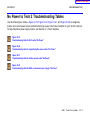
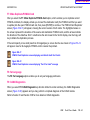
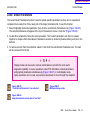
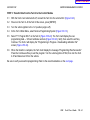
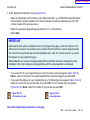
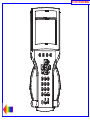
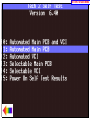
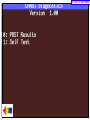
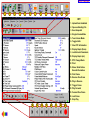
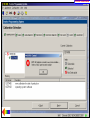
3. Select F3: Self Test from the Tool Options menu (Figure VI-3).
Figure VI-1
Tech 2 startup screen
Figure VI-2
Tools Options selected on Main Menu
Figure VI-3
Self Test selected on Tool Options menu
2005
Tech 2 User’s Guide
VI - 3