1
Aqua Tempo Super Series air cooled scroll chiller unit (50Hz)
MCAC-ATSM-2014-10
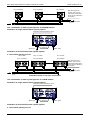
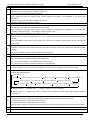
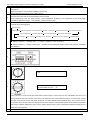
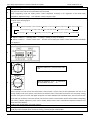
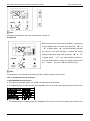
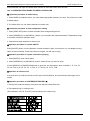
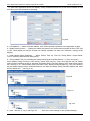
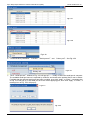
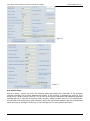
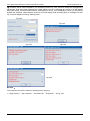
Fig.4-18
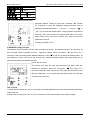
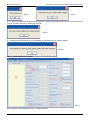
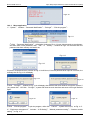
1 .Click “KJR Setting”, the window as Fig. 4-20 will be display——add wired controller to the system to be
○
monitored.
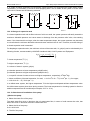
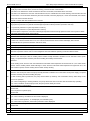
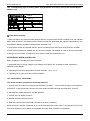
Fig.4-20
Detail operation procedure as follows:
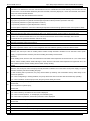
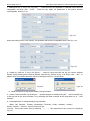
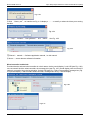
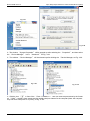
a、 Add a wired controller: Select the wired controller address (0-15) at the “KJR Address”, fill the wired
controller name at “KJR Name” and click “Save”.
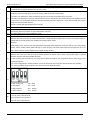
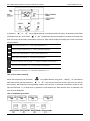
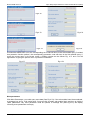
b、 Modify wired controller: Select an existing wired controller (by click the drop down list of the KJR Address
at the left Chart or by click the drop down list of the KJR Address at the right), and re-fill the wired controller
name and click “Save” to finish the wired controller modification(see Fig. 4-21). KJR Name could not
empty or pure blank character string (pure blank charter string is composed by space and tab)
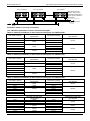
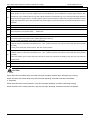
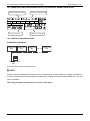
Fig.4-21
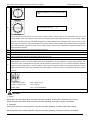
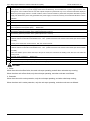
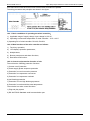
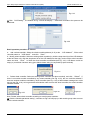
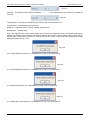
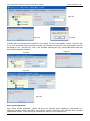
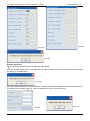
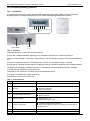
c、 Delete wired controller: Select an existing wired controller (as above method), and click “Delete”, if
there is no outdoor module controlled by any wired controller (see Fig. 4-22), the one could be deleted; if
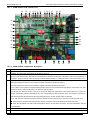
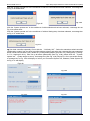
there are outdoor modules controlled by wired controller (see Fig. 4-23), a failed delete message box would
pop up (see Fig. 4-24). As long as delete all modules under connect the wired controller, the wired controller
could be deleted.
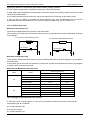
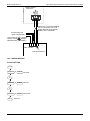
Fig.4-22
Fig.4-23
Fig.4-24
Note: Please select wired controller according to actual system condition.
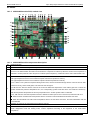
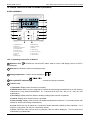
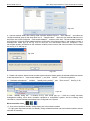
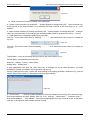
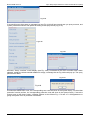
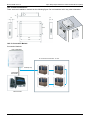
② Click the “Module parameter setting”, a window as Fig.4-25 will pop up: add module group under connect
with the wired controller
144
Control system