1
Videojet 6210 Operator Manual
Checking and Replacing the Ribbon
Checking the Printer Ribbon Supply
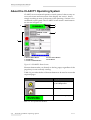
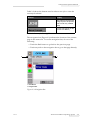
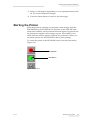
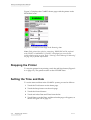
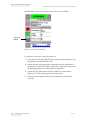
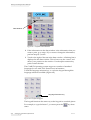
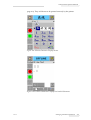
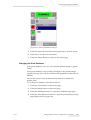
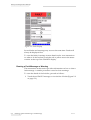
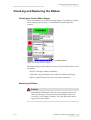
The Consumables area of the home page (Figure 5-9) displays a ribbon
meter, showing the amount of unused ribbon remaining in the
cassette.
Ribbon Meter
Figure 5-9: Printer Ribbon Supply
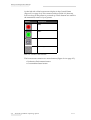
The meter displays three different colors to help check the ribbon level
at a glance.
• BLUE = Adequate ribbon availability
• YELLOW = Approximately 50 m (164 ft) of ribbon remaining
• RED = Approximately 20 m (66 ft) of ribbon remaining
Replacing the Ribbon
Caution
EQUIPMENT DAMAGE. The use of incompatible ribbon can
seriously damage your printer and such damage will not be
covered by your printer warranty. Use only the ribbon that is
approved by your dealer.
Rev AA
Checking and Replacing the Ribbon
5-7