1
QUERY
TAG RESULT INTERFACE
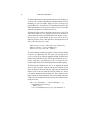
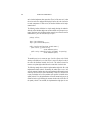
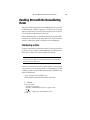
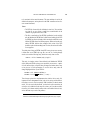
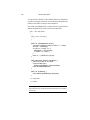
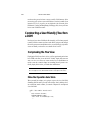
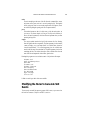
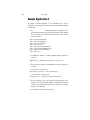
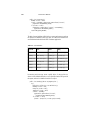
call to result.getRows. The expression ${books.rows} in the following example returns an array of maps.
When you provide a array of maps to the forEach tag, the var attribute set by
the tag is of type Map. To retrieve information from a row, use the
get("colname") method to get a column value. The JSTL expression language
converts the syntax ${map.colname} to a call to map.get("colname"). For
example, the expression ${book.title} returns the value of the title entry of a
book map.
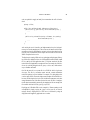
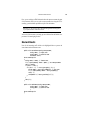
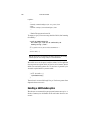
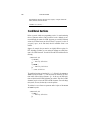
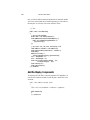
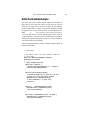
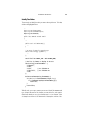
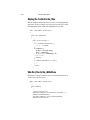
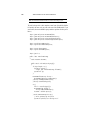
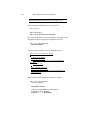
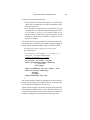
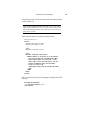
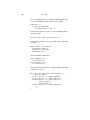
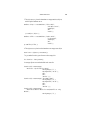
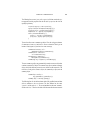
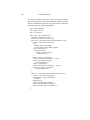
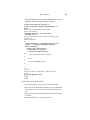
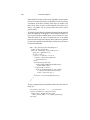
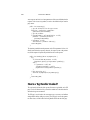
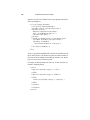
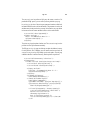
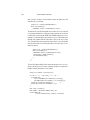
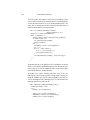
The Duke’s Bookstore page bookdetails.jsp retrieves the column values from
the book map as follows.
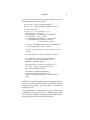
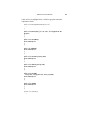
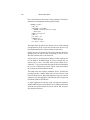
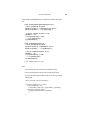
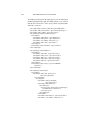
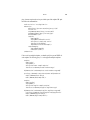
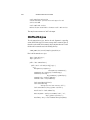
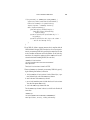
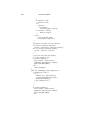
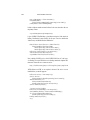
<c:forEach var="book" begin="0" items="${books.rows}">
<h2><c:out value="${book.title}"/></h2>
<fmt:message key="By"/> <em><c:out
value="${book.firstname}"/> <c:out
value="${book.surname}"/></em>
(<c:out value="${book.year}"/>)<br> <br>
<h4><fmt:message key="Critics"/></h4>
<blockquote><c:out value="${book.description}"/>
</blockquote>
<h4><fmt:message key="ItemPrice"/>:
<fmt:formatNumber value="${book.price}" type="currency"/>
</h4>
</c:forEach>
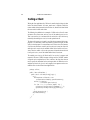
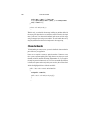
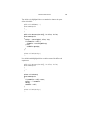
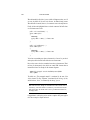
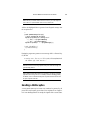
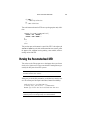
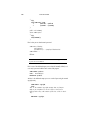
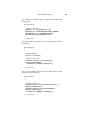
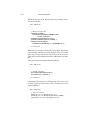
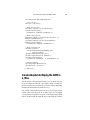
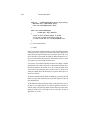
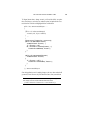
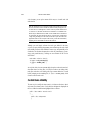
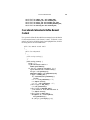
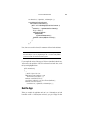
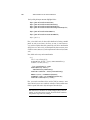
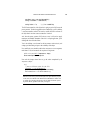
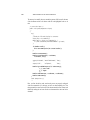
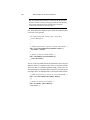
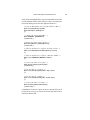
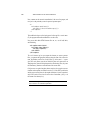
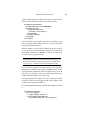
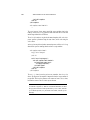
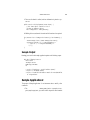
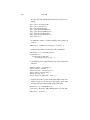
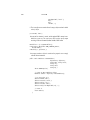
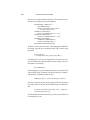
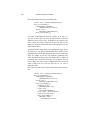
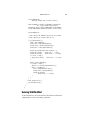
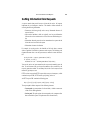
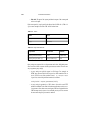
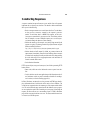
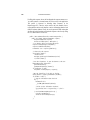
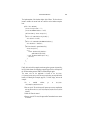
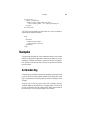
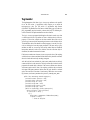
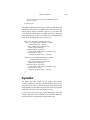
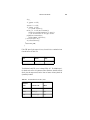
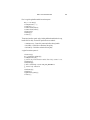
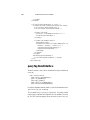
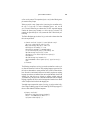
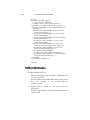
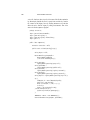
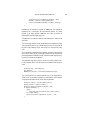
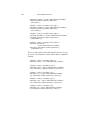
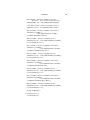
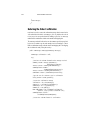
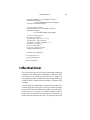
The following excerpt from catalog.jsp uses the Row interface to retrieve values from the columns of a book row using scripting language expressions. First
the book row that matches a request parameter (bid) is retrieved from the database. Since the bid and bookRow objects are later used by tags that use scripting
language expressions to set attribute values and a scriptlet that adds a book to the
shopping cart, both objects are declared as scripting variables using the
jsp:useBean tag. The page creates a bean that describes the book and scripting
language expressions are used to set the book properties from book row column
values. Finally the book is added to the shopping cart.
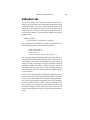
You might want to compare this version of catalog.jsp to the versions in JavaServer Pages Technology (page 607) and Custom Tags in JSP Pages (page 637)
that use a book database JavaBeans component.
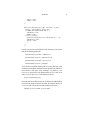
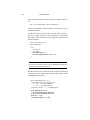
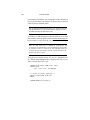
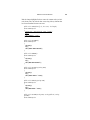
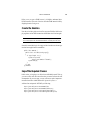
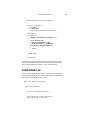
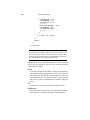
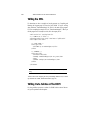
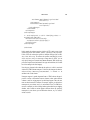
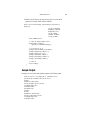
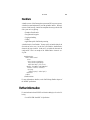
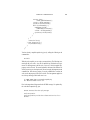
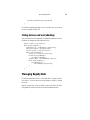
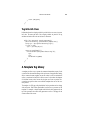
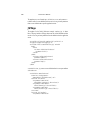
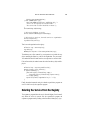
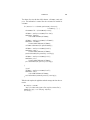
<sql:query var="books"
dataSource="${applicationScope.bookDS}">
select * from PUBLIC.books where id = ?
<sql:param value="${bid}" />
699