3. System Setup
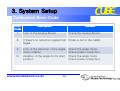
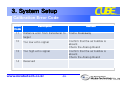
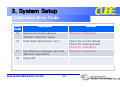
Processing calibration
Step
Screen Display
Description
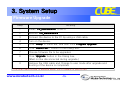
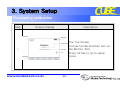
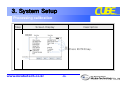
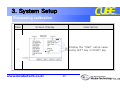
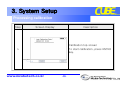
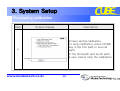
Screen during calibration.
To stop calibration, press DOWN
key in the first path or second
path.
In the third path and fourth path,
a user cannot stop the calibration
6
www.mcubetech.co.kr
-29-