1
Removal and Installation - Right Cover
Right Cover
Removal
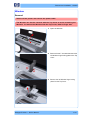
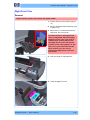
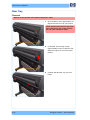
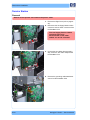
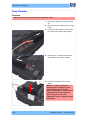
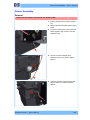
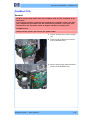
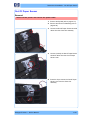
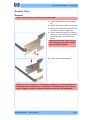
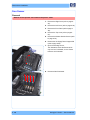
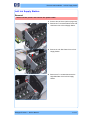
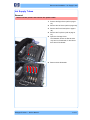
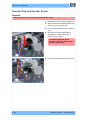
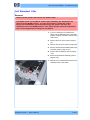
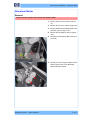
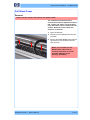
Switch off the printer and remove the power cable.
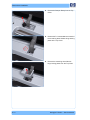
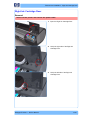
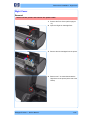
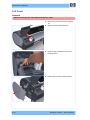
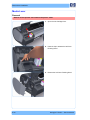
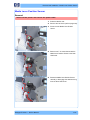
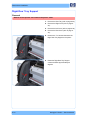
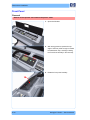
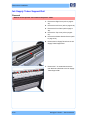
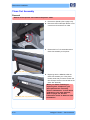
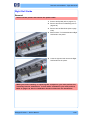
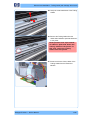
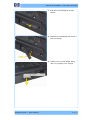
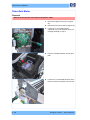
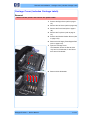
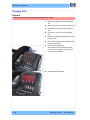
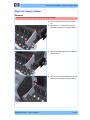
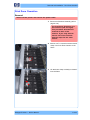
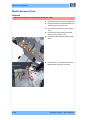
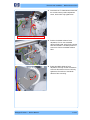
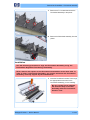
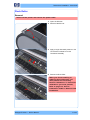
1. Remove the Front Cover (refer to page 617).
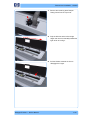
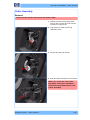
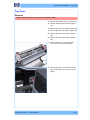
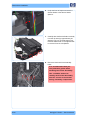
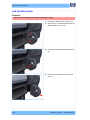
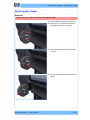
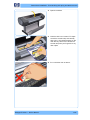
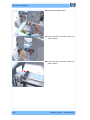
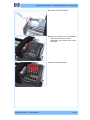
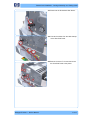
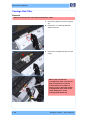
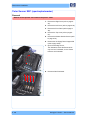
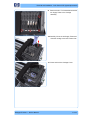
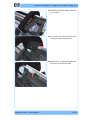
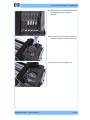
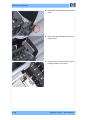
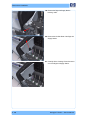
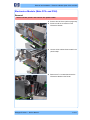
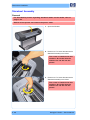
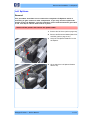
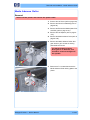
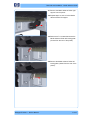
2. Open the Right Ink Cartridge Door.
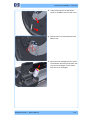
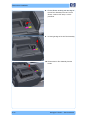
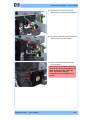
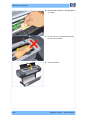
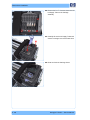
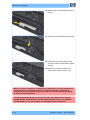
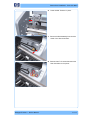
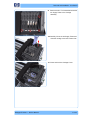
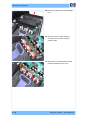
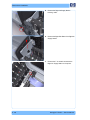
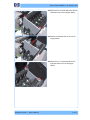
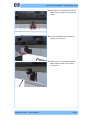
3. Remove the Ink Cartridges from the printer.
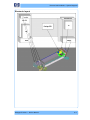
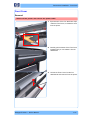
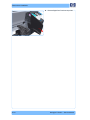
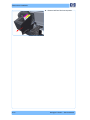
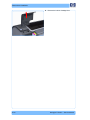
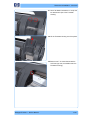
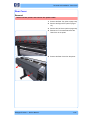
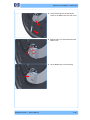
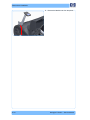
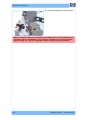
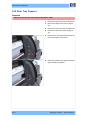
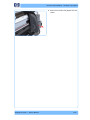
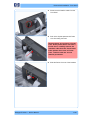
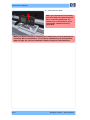
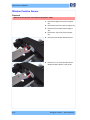
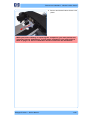
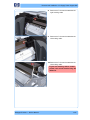
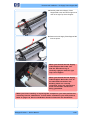
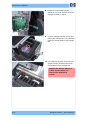
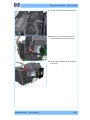
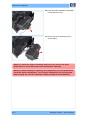
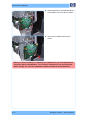
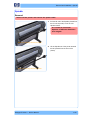
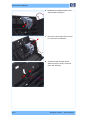
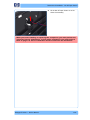
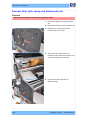
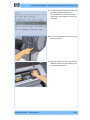
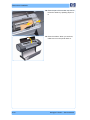
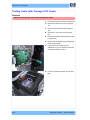
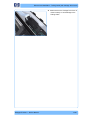
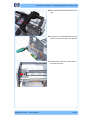
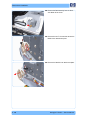
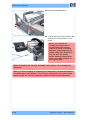
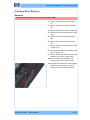
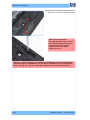
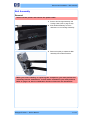
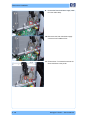
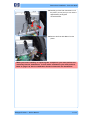
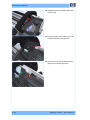
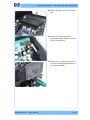
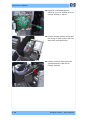
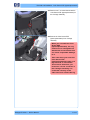
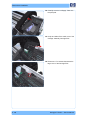
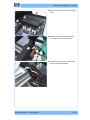
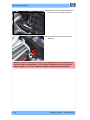
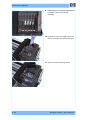
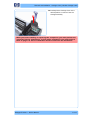
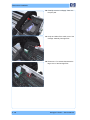
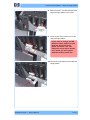
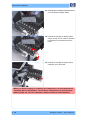
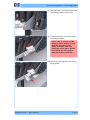
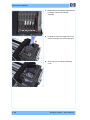
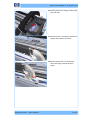
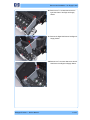
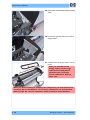
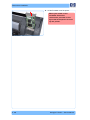
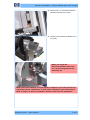
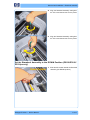
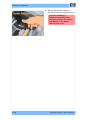
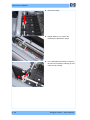
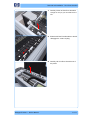
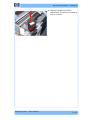
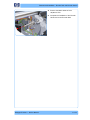
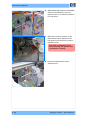
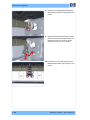
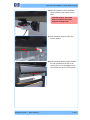
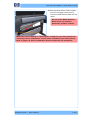
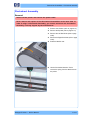
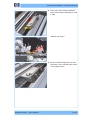
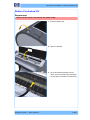
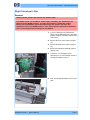
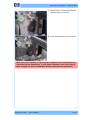
4. Remove one T-15 screw that secures the
Right Cover to the printer (at the rear of the
Printer).
Designjet Z Series — Service Manual
6-27