1
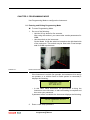
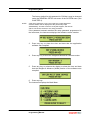
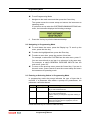
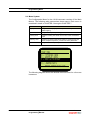
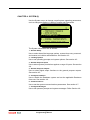
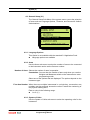
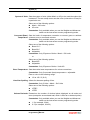
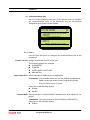
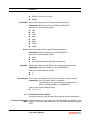
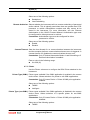
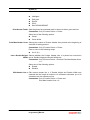
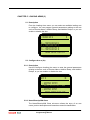
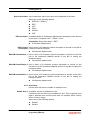
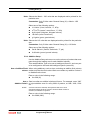
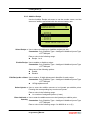
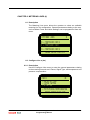
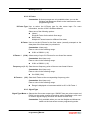
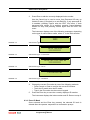
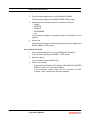
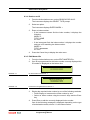
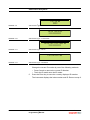
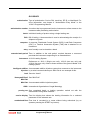
Loading Arms (3) Select Arm Name Use to select the type of arm name to be displayed for this arm. Select one of the following options: DEFAULT* (ARM n) EDIT ULP PULP AVGAS ADF Edit Arm Name If enabled allows an 8 character alphanumeric description to be entered for the arm, for example “ULP”, “Diesel”, “Kero”. Constraints: Select Arm Name = EDIT 8 character alphanumeric Edit Product Use to enter a 20 character product description to include on any Bill of Description Lading the instrument prints. 20 character alphanumeric Edit HM Classification 1 Use to enter a 20 character product description to include on the first line of the Hazardous Material section of any Bill of Lading the instrument prints. 20 character alphanumeric Edit HM Classification 2 Use to enter a 20 character product description to include on the second line of the Hazardous Material section of any Bill of Lading the instrument prints. 20 character alphanumeric Edit HM Classification 3 Use to enter a 20 character product description to include on the third line of the Hazardous Material section of any Bill of Lading the instrument prints. 20 character alphanumeric 5.2.3 Arm Setup Use the Arm sub-menu to enable or disable an arm. Enable Arm n If enabled, the arm is available for use. If disabled, the arm will not be available for use. This is typically used when a particular arm should not be used, for example, when a pump fails or a tank is empty. Select one of the following options: Enable* Disable 5-2 Model 1010 Application Pack CJ Programming Manual Part No.: 4418004 - Revision 1