1
6 Cephalometric procedures (optional)
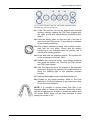
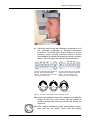
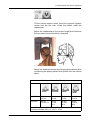
Verify that "READY" light is on. Press the exposure button
to make the exposure.
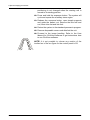
After the exposure, release the patient by opening the ear
rods and guide him/her out. Pay attention that the patient
does not hit the secondary collimator when stepping out
from the cephalostat. Remove the disposables.
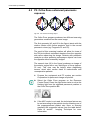
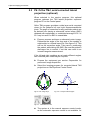
6.3 P10: Cephalo postero-anterior (PA)
projection
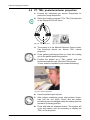
Prepare the unit for cephalo imaging as instructed in
chapter 6.1 Preparing the operation.
Drive the unit to the patient positioning position by pressing
the patient positioning button.
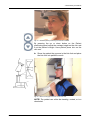
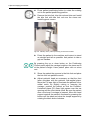
NOTE! Make sure that the nasion support does not hit the
secondary collimator while rotating the ear rods.
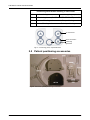
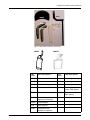
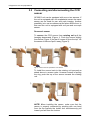
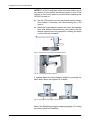
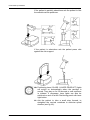
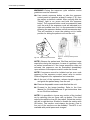
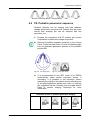
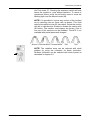
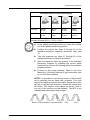
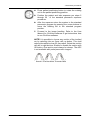
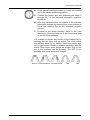
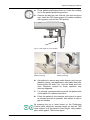
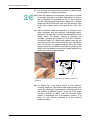
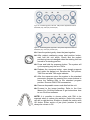
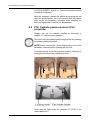
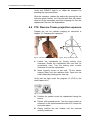
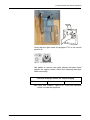
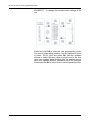
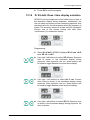
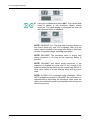
Turn the ear rods to the PA projection position and lock by
turning the handle on the cephalostat head.
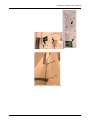
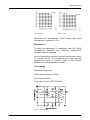
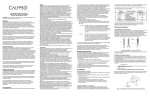
Fig 6.4. Unlock first the lever, turn the ear rods and lock the lever again.
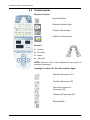
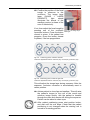
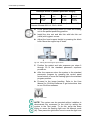
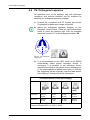
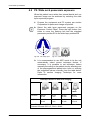
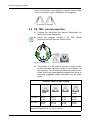
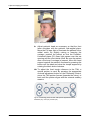
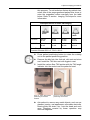
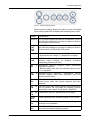
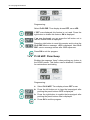
Verify that the light under the program 10 (P10) in the
control panel is lit.
70
Instrumentarium Dental
5139796-100 rev 4