1
Resetting the Chassis Intrusion
Detector
1
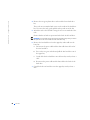
Enter system setup by pressing <F2> during the computer's POST.
NOTE: For instructions on using system setup, see the User's Guide.
2
Under the System Security tab, reset the Chassis Intrusion option by
pressing the left- or right-arrow key to select Reset. Change the setting
to Enabled, Enabled-Silent, or Disabled.
NOTE: The default is Enabled-Silent.
3
Press <Alt><B> to restart the computer and implement your
changes.
NOTE: If a setup
password has been
assigned by someone else,
contact the network
administrator for
information on resetting
the chassis intrusion
detector.
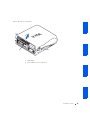
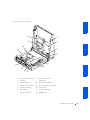
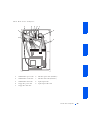
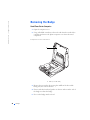
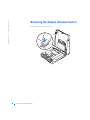
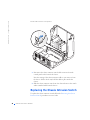
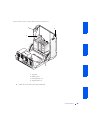
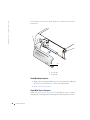
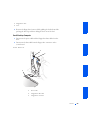
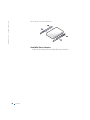
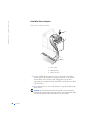
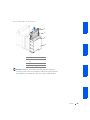
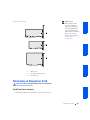
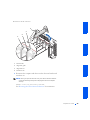
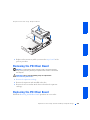
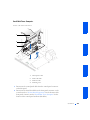
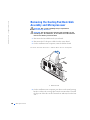
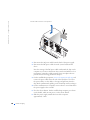
Chassis Intr usion Switch
39