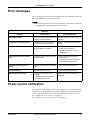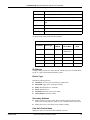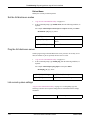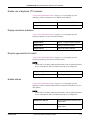
1
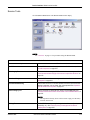
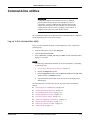
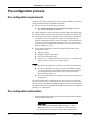
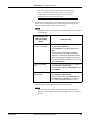
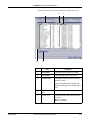
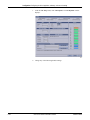
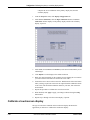
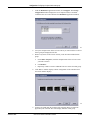
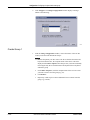
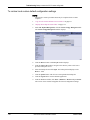
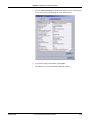
Configuration: Calibrating the primary or secondary display screens Calibrating the primary or secondary display screens Calibrating the display screen adjusts the waveform gain and sweep speed to ensure the displayed sweep speed is accurate. Calibrating a touchscreen display adjusts the accuracy of the touchpoint on the display used to select an item. Touchscreen displays can be used with a CIC Pro center; however, if present, touchscreen calibration is required. This section describes the non-touchscreen and touchscreen display calibration procedures for the primary or secondary displays used with the CIC Pro center. Calibrate a display CAUTION When using a video splitter with the CIC Pro, screen calibration may be possible with only one of the monitors connected to the splitter. This is because changing calibration for one monitor will effect the calibration of all other monitors connected to that same splitter. When using monitors connected to a splitter, only the last monitor calibrated will have proper calibration. Manual measurements should be made from that monitor only. The display calibration process includes the following procedures: “Gather required tools”. “Log on to the Service mode service interface”. “Calibrate the screen”. Gather required tools A flexible clear plastic ruler calibrated in inches and centimeters is recommended for this procedure. Log on to the Service mode service interface See “Log on to the Service mode” on page 4-5. Calibrate the screen NOTE 2026419-002F The Maintain Aspect Ratio option displayed in the Screen Calibration window allows you to adjust both screen rulers simultaneously. However, because of differences in monitors and screen resolution, it is recommended that each ruler be adjusted separately. (When a check mark fills the check box, this option is selected. You should click in the check box to remove the check mark.) If two non-touchscreen displays are connected to the CIC Pro center, CIC ProTM Clinical Information Center 5-81