1
5.
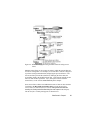
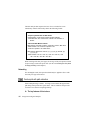
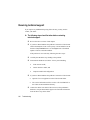
If only one data stream recording stream filter is active, a window
will appear allowing you to open the stream filter data file. If more
than one data stream recording stream filter is active, a preliminary
window will appear allowing you to specify the data streams to
import. Once the streams are selected, a window will appear for
each data stream to allow the stream filter data file to be opened for
each data stream independently.
Viewing stream filter release notes
Additional configuration and usage information may be found in the release
notes document accompanying each stream filter.
❖ To view the stream filter release notes:
1.
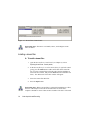
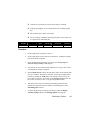
Open the Stream filters Control Panel (see Chapter 2, section
Exploring the work area…Control panels).
2.
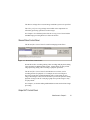
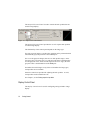
In the Stream filters for record or the Stream filters for playback
control group, highlight the stream filter of interest.
3.
Press the Release notes button.
Viewing stream filter general information
The stream filter general information can include such information as author,
location, creation date, version number, size of data and description of the
stream filter.
❖ To view the stream filter general information:
1.
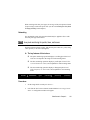
Open the Stream filters Control Panel (see Chapter 2, section
Exploring the work area…Control panels).
2.
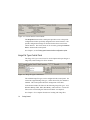
In the Stream filters for record or the Stream filters for playback
control group, highlight the stream filter of interest.
Video Savant 4: Chapter 4
95