1
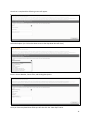
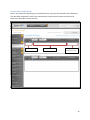
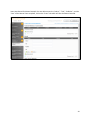
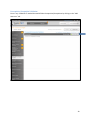
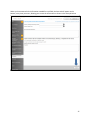
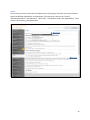
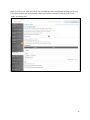
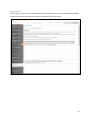
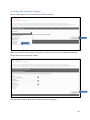
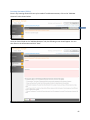
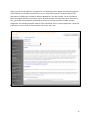
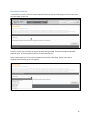
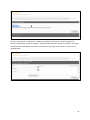
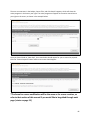
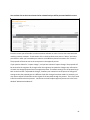
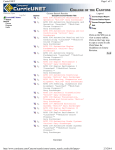
To search within courses, either on the “My Courses” or “My Institution” pages, use the dropdown
menus to select the course Subject(s) and Status(es). You may also enter the course number or title
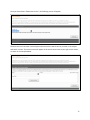
keywords in the search bar. After you make your selections, click “Search”. You will need to manually
close the dropdown menus once your search is complete..
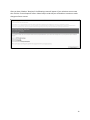
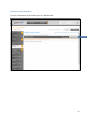
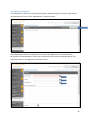
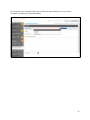
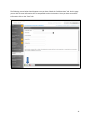
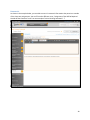
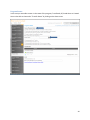
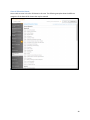
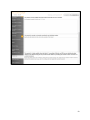
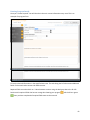
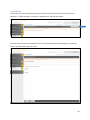
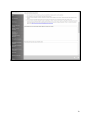
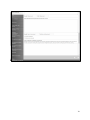
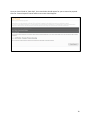
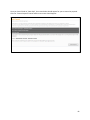
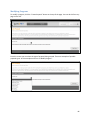
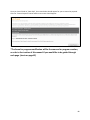
If the user chooses to use the Subject or the Status for the search, make sure to click the arrow down
button again to close the selection.
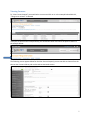
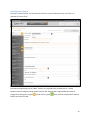
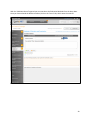
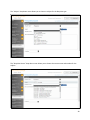
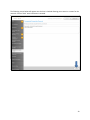
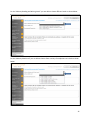
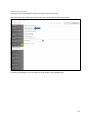
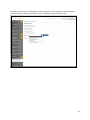
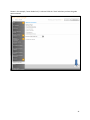
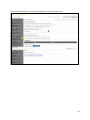
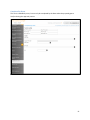
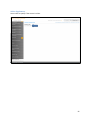
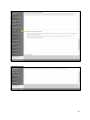
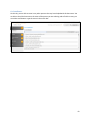
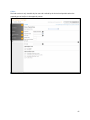
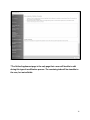
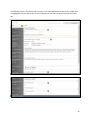
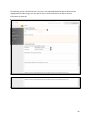
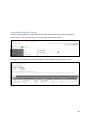
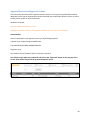
You can switch between Courses and Programs by clicking on the “Curriculum” button
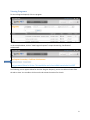
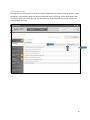
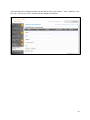
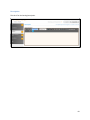
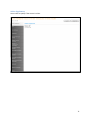
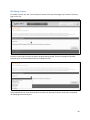
This will then give you a menu to select between Courses and Programs
6