1
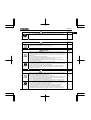
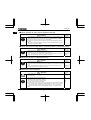
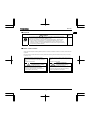
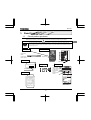
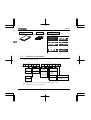
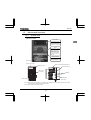
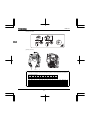
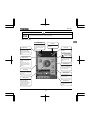
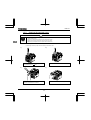
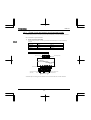
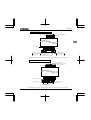
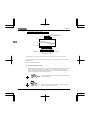
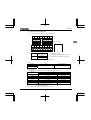
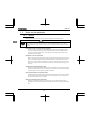
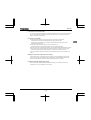
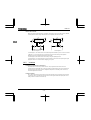
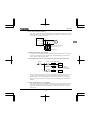
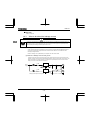
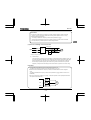
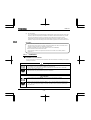
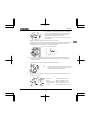
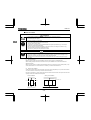
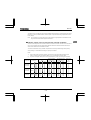
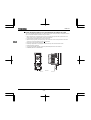
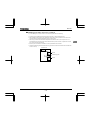
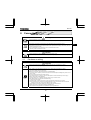
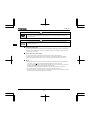
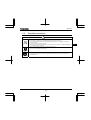
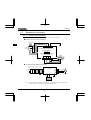
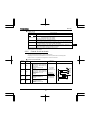
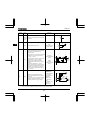
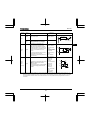
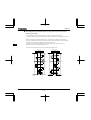
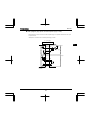
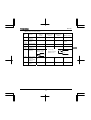
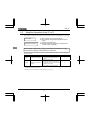
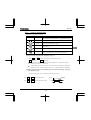
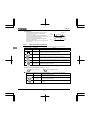
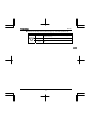
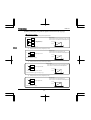
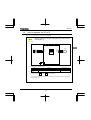
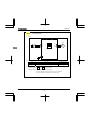
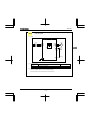
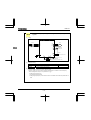
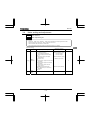
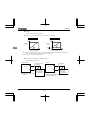
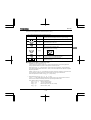
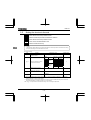
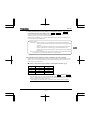
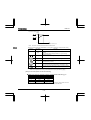
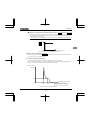
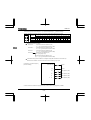
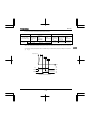
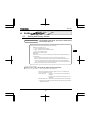
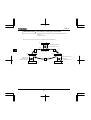
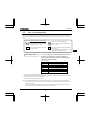
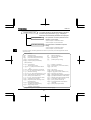
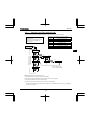
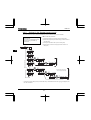
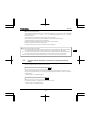
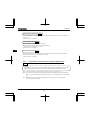
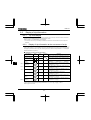
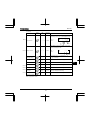
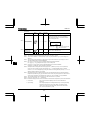
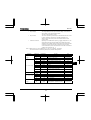
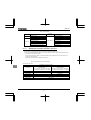
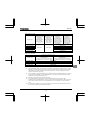
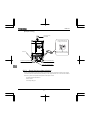
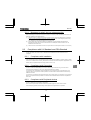
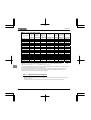
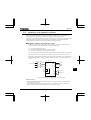
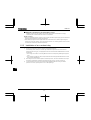
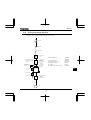
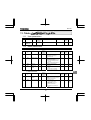
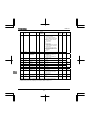
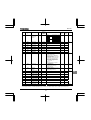
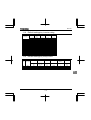
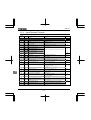
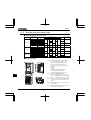
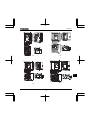
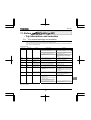
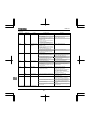
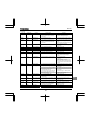
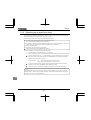
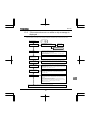
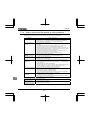
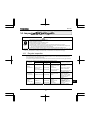
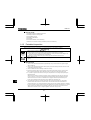
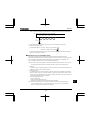
E6581597 (3) Coast stop The standard default is slowdown stop. To make a coast stop, assign "6 (ST)" to an idle terminal. Change to =. For coast stop, open the ST-CC when stopping the motor in the state described at left.The monitor on the inverter at this time will display . A coast stop can also be made by assigning " (FRR)" to an idle terminal. When doing this, a coast stop is done by FRR and CC both turning on. 3.2.2 3 Coast stop Motor speed F-CC ON OFF ST-CC ON OFF How to set the frequency [Example of setting procedure]: Setting the frequency setting destination to the terminal block Panel operation LED display Operation MODE Displays the first basic parameter [History ()]. Turn the setting dial, and select "". Press the center of the setting dial to read the parameter value. (Standard default: ). Turn the setting dial to change the parameter value to (terminal block VI). * Displays the operation frequency (operation stopped). (When standard monitor display selection = [Operation frequency]) The parameter value is written. and the parameter value are displayed alternately several times. Pressing the MODE key twice returns the display to standard monitor mode (displaying operation frequency). (1) Setting using the keypad (= or ) : Moves the frequency up : Moves the frequency down Example of operating from the panel (=: press in center to save) Panel operation LED display Operation Displays the operation frequency. (When standard monitor display selection = [Operation frequency]) Set the operation frequency. (The frequency will not be saved if the power is turned off in this state.) Save the operation frequency. and the frequency are displayed alternately. C-6