1
The Resting ECG / Comparing Resting ECGs
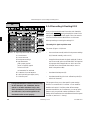
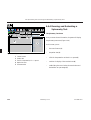
Comparing Median Complexes from Multiple Resting
ECGs
Hellige
Patient
Procedure
System Services Help
Baker, Dave, 41yrs
REST ECG / Comparison of Medians
10mm/mV
I...aVF
I
1
II
2
ST values
3
Click
aVL
aVR
III
4
5
.
aVF
10 mm/mV 25 mm/s
12.10.1996
11:08:14
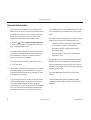
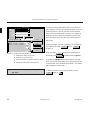
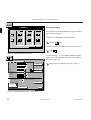
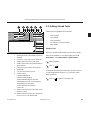
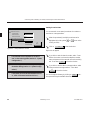
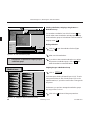
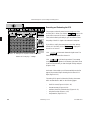
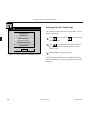
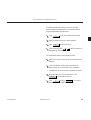
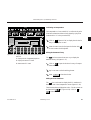
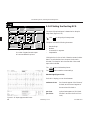
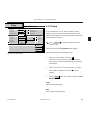
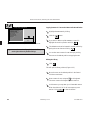
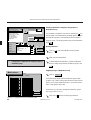
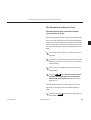
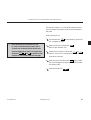
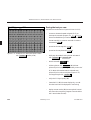
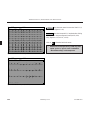
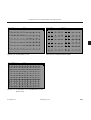
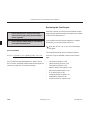
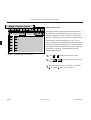
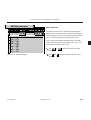
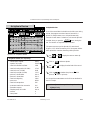
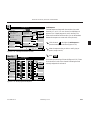
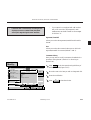
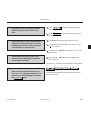
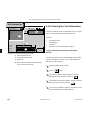
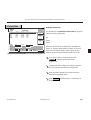
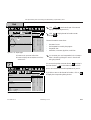
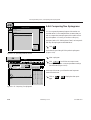
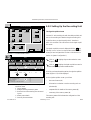
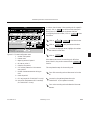
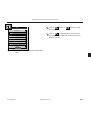
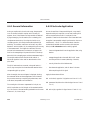
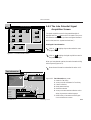
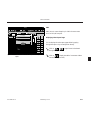
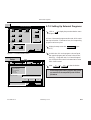
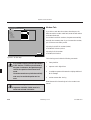
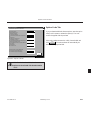
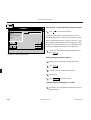
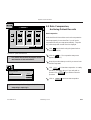
A window opens showing all resting ECGs of the patient in
question (Figure 4.1-29).
6
12.10.1996
10:13:09
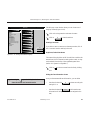
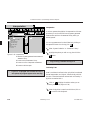
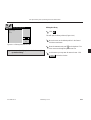
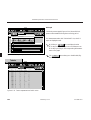
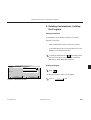
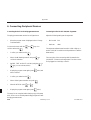
Select 2 to 5 ECGs and click on
window.
OK
to clear the
08.10.1996
10:43:43
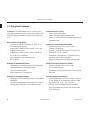
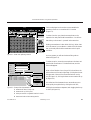
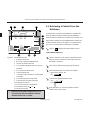
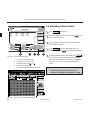
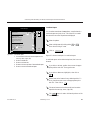
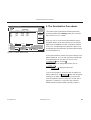
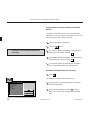
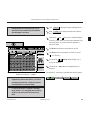
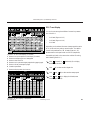
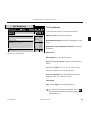
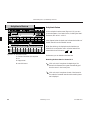
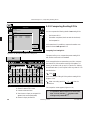
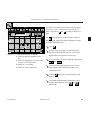
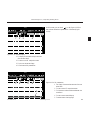
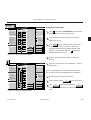
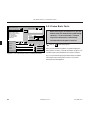
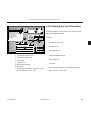
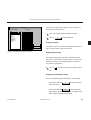
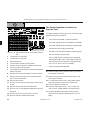
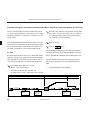
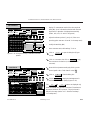
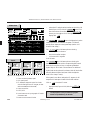
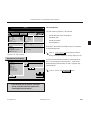
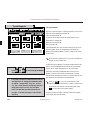
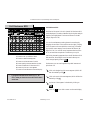
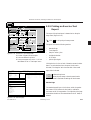
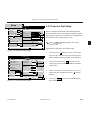
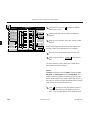
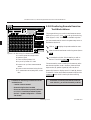
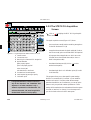
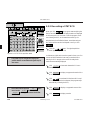
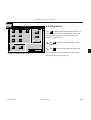
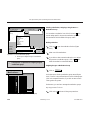
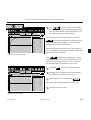
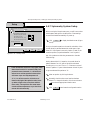
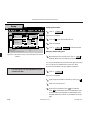
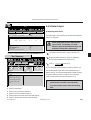
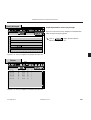
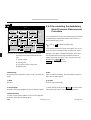
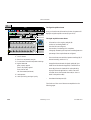
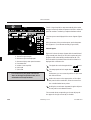
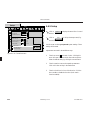
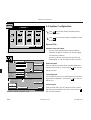
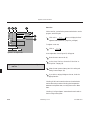
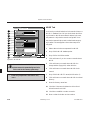
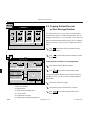
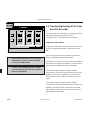
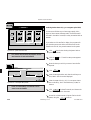
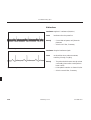
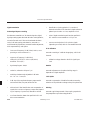
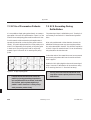
The next screen shows the median complexes of the selected
procedures (Figure 4.1-32).
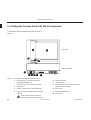
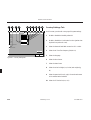
Figure 4.1-32. Comparing median complexes
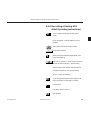
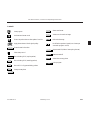
1 Changes the signal size
2 Displays the other 6 leads
3 Displays/removes the ST values
4 Activates the zoom function
5 Prints the screen
6 Procedure date
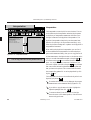
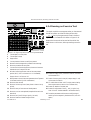
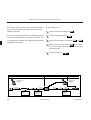
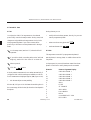
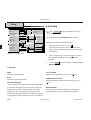
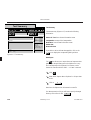
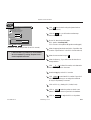
The signal size (amplitude) can be changed with
Figure 4.1-32). Other leads can be selected with
(1,
(2).
If you wish to have the ST values annotated, check
ST values
.
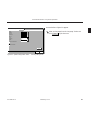
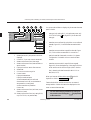
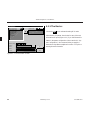
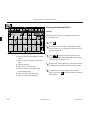
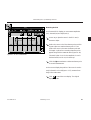
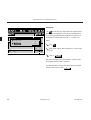
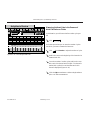
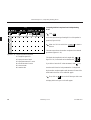
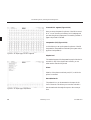
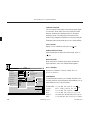
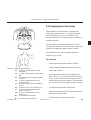
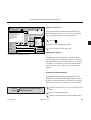
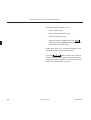
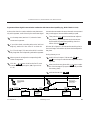
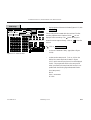
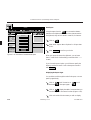
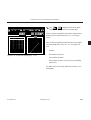
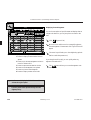
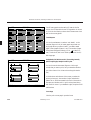
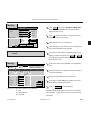
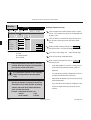
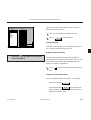
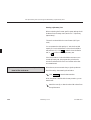
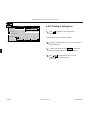
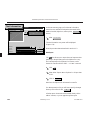
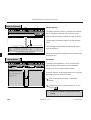
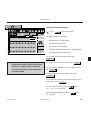
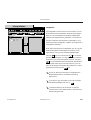
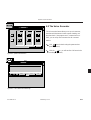
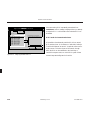
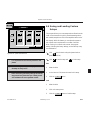
Another useful function is the presentation of a large-scale
single median complex together with the same ST beat of the
other leads in the form of a so-called 3D graph:
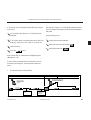
First, click on
, then on the ST beat you wish to see.
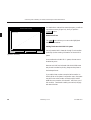
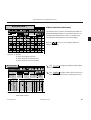
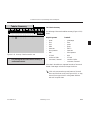
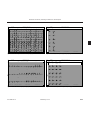
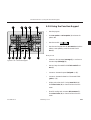
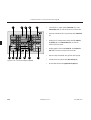
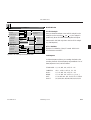
A display similar to Figure 4.1-33 will appear.
70
CardioSys V 4.1
227 498 02-A