1
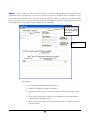
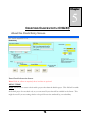
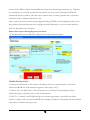
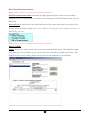
Payee Screen
1. In order to change or select a payee you must have been assigned rights to do so. (See Password
Changes.)
2. If you wish to add, delete or change a payee, double click on the appropriate button and enter the
information
3. When you exit this window you will be given the chance to make the selected payee the default
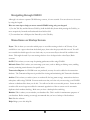
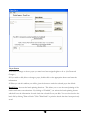
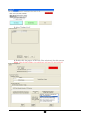
Batch Print: Accesses the batch printing functions. This allows you to save the actual printing of the
checks until some convenient time. By clicking on "Enabled," you activate the batch printing feature
which will save the information for each check into a batch file on your disk. You save the check to the
batch file by clicking "Print to Batch." Click "Print Batch" to print the checks that have been previously
saved.
15