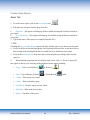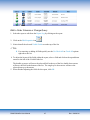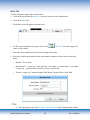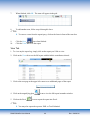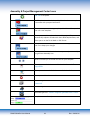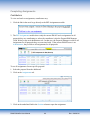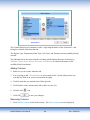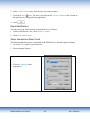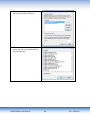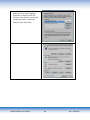
1
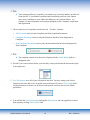
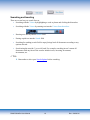
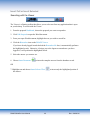
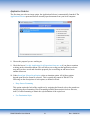
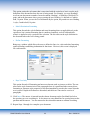
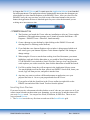
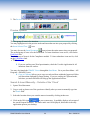
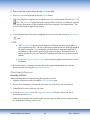
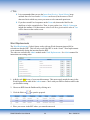
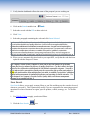
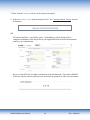
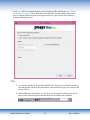
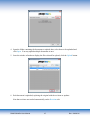
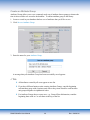
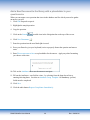
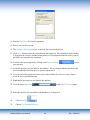
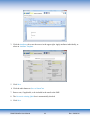
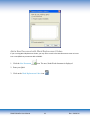
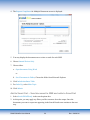
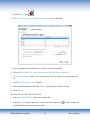
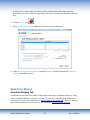
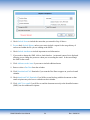
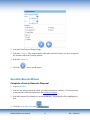
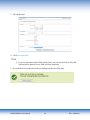
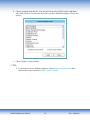
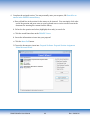
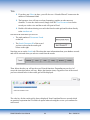
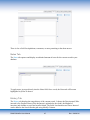
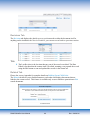
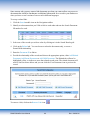
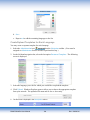
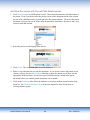
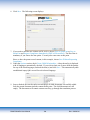
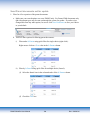
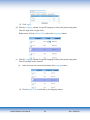
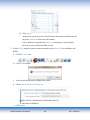
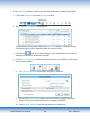
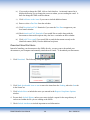
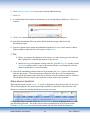
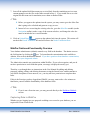
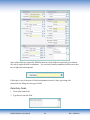
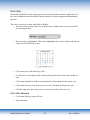
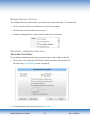
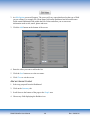
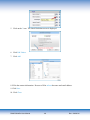
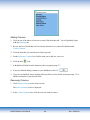
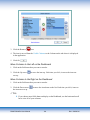
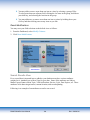
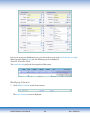
Link to the existing RFP (client questionnaire or standard questionnaire). This option automatically links to the questionnaire that has been uploaded to the “cloud.” TIPS Linking to an existing RFP ensures that your Word Replacement codes will be functional. Link to a Q&A or Indexed document (in PMAPS). Enter the document ID of the database record you wish to link. Upload a document to link to from your computer. Browse your network to locate the file to link to. Link to a document on the web. Enter or paste the url address to complete this step. 3. Click OK. TIPS You may link files to the sections at any time during the process. However, you will not be able to assemble the document until you link all the sections to a file. 4. Change the Status if desired. PMAPS WebPro User Manual 78 Rev: 8/28/2014