1
System Viewer
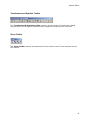
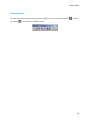
Equipment and Switchgear Control
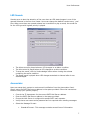
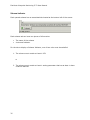
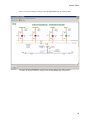
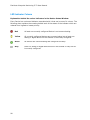
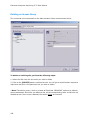
When viewing schemas in the One-Line Viewer, you can toggle the state of a correctly
configured and connected digital components (ie: from switch ON to switch OFF or viceversa) by following these steps.
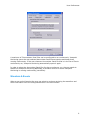
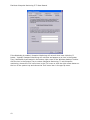
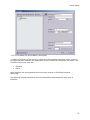
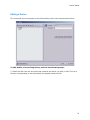
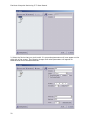
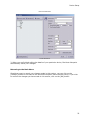
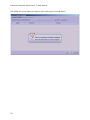
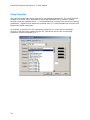
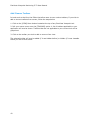
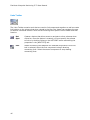
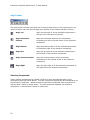
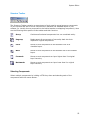
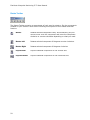
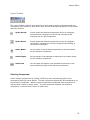
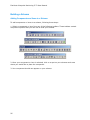
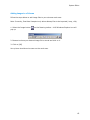
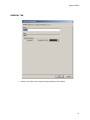
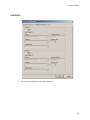
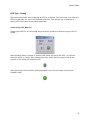
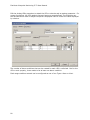
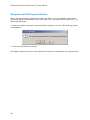
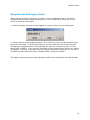
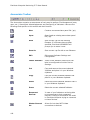
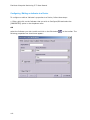
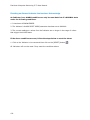
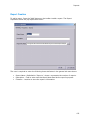
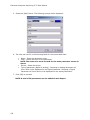
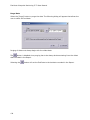
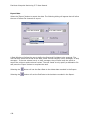
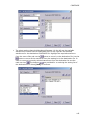
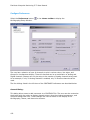
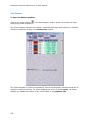
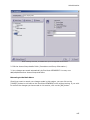
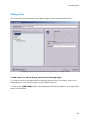
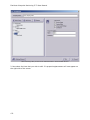
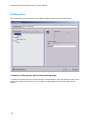
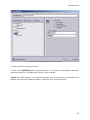
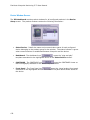
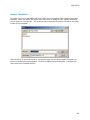
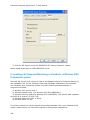
1. Select the digital component to be toggled. A prompt similar to this should appear:
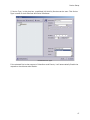
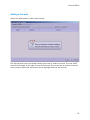
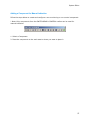
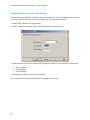
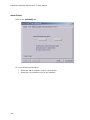
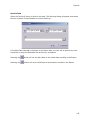
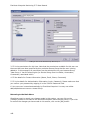
2. Control requires a two-handed approach. This means you must use both hands to issue
the control command. In EnerVista Viewpoint, you must hold down the Control key and
simultaneously press the button with the state you wish the component to be in (in this
case CLOSE or OPEN). If you just click the button without pressing the Control key, nothing
will happen. Similarly, if the state of the item being controlled is already set (ie. you send
an OPEN command when the state is already OPEN), nothing will happen.
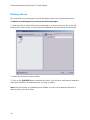
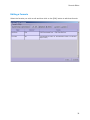
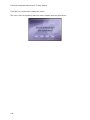
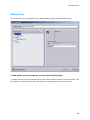
The digital component that you have selected should now be switched to the desired state.
97