1
A ___________________________________________________________________
3. Editing an existing housing policy component
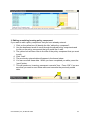
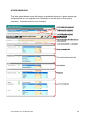
If you want to edit a policy component that you have already entered:
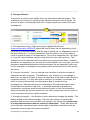
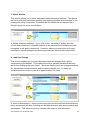
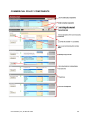
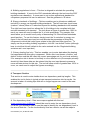
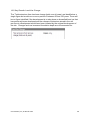
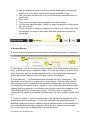
1. Click on the yellow box (A) beside the title “edit policy component”;
2. Use the downward arrow to scroll through the saved policy components and
to click on the policy component that you would like to edit;
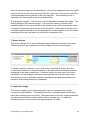
3. The yellow box will then refer to the title of the policy component that you want
to edit;
4. Click “load”.
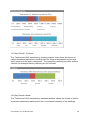
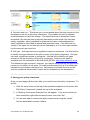
5. The previously entered data will appear in the boxes below.
6. You can now edit these data. When you have completed you edits, press the
“save” button.
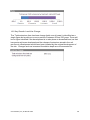
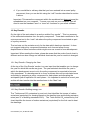
7. This will produce a “warning: permanent overwrite” box. Press “OK” if you are
sure that you want to save these edits and overwrite the previously saved
data.
A ___________________________________________________________________
User Manual, V1, 21 March 2012 21