1
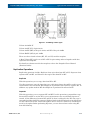
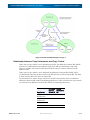
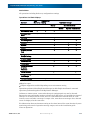
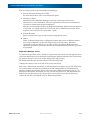
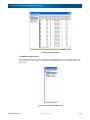
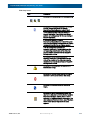
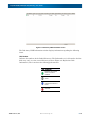
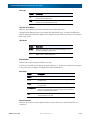
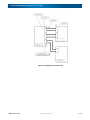
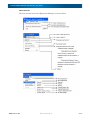
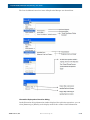
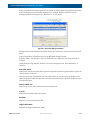
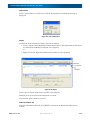
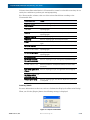
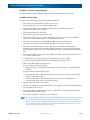
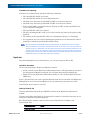
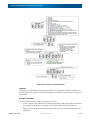
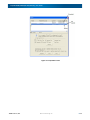
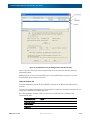
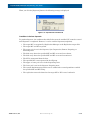
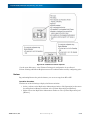
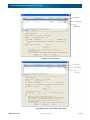
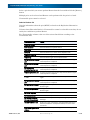
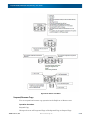
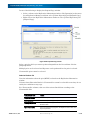
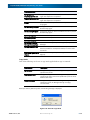
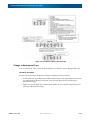
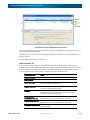
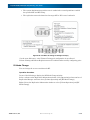
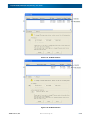
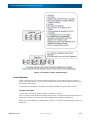
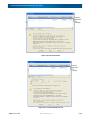
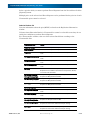
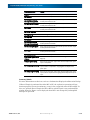
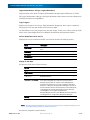
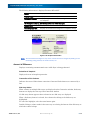
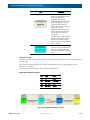
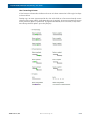
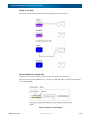
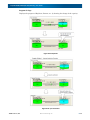
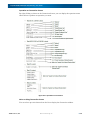
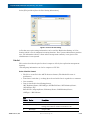
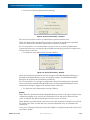
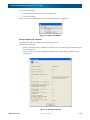
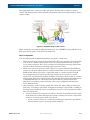
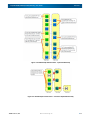
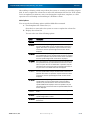
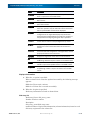
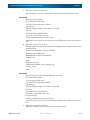
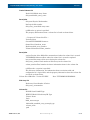
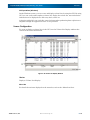
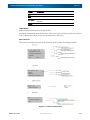
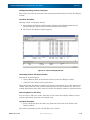
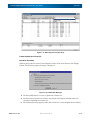
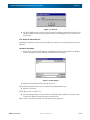
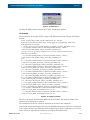
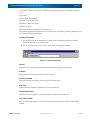
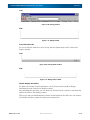
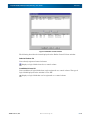
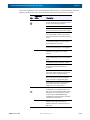
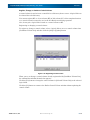
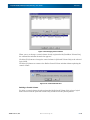
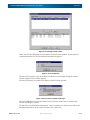
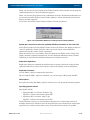
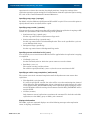
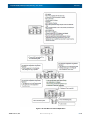
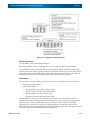
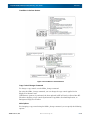
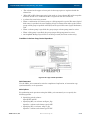
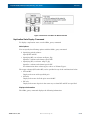
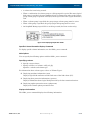
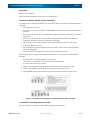
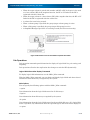
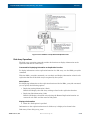
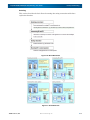
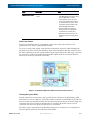
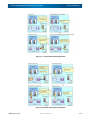
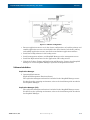
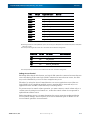
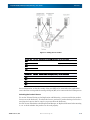
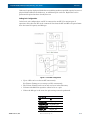
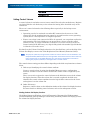
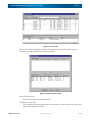
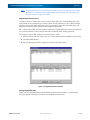
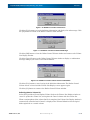
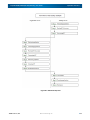
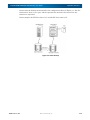
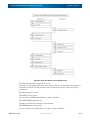
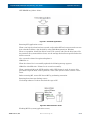
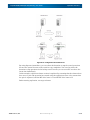
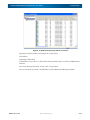
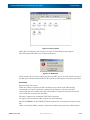
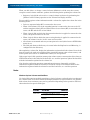
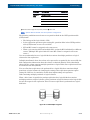
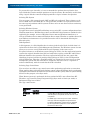
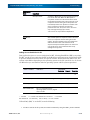
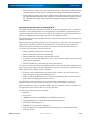
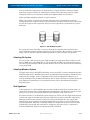
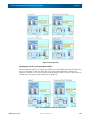
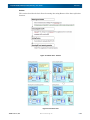
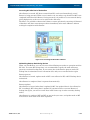
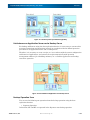
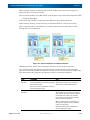
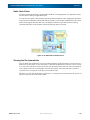
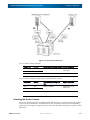
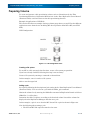
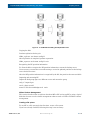
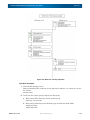
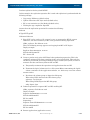
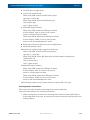
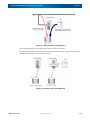
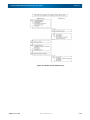
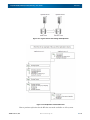
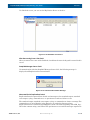
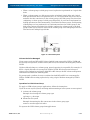
SnapSAN S3000/S5000 Replication/Mirroring User Guide Figure 4-14: Conditions to Perform Replicate Separate If Separate is performed for paired volumes, MV will be separated from RV and RV will be made available. RV cannot be reused until Separate is completed, except when it is Separate (immediate). Operation Procedure Do one of the following to display the Separate window. 10400412-002 11/2012 • Select a volume on the Replication Information window, click [Operation] on the menu bar of Replication Manager and then select [Volume Operation] and [Separate]. • Right-click on the Replication Information window to select [Volume Operation] and [Separate]. ©2012 Overland Storage, Inc. 4-30