1
OCI Basic Display Set (BDS)
3–15
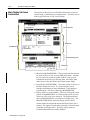
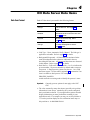
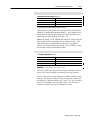
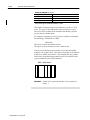
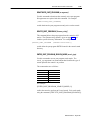
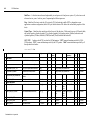
Changing the Softkey Row Pointer
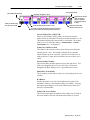
To edit or change the set of softkeys called when a softkey is pressed
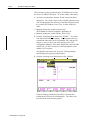
edit the softkey row pointer. The softkey row pointer is located in
the white or yellow box beneath the softkey text.
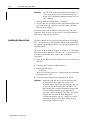
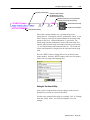
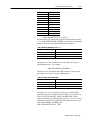
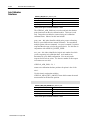
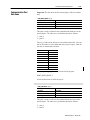
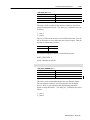
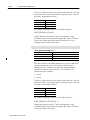
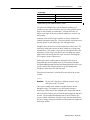
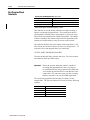
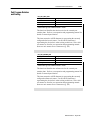
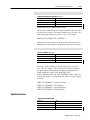
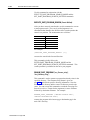
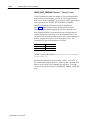
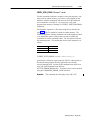
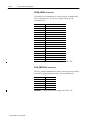
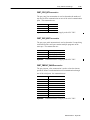
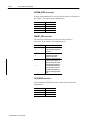
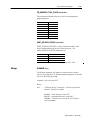
Softkey Row Pointers (fields 1 thru 7)
Must be in Key
Edit Mode (K)
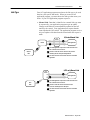
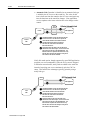
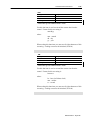
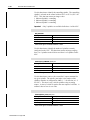
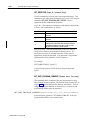
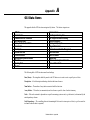
When the softkey pointer field is yellow, it indicates that pressing
this key will display another softkey row. When the softkey pointer
field is white, it indicates that pressing this key does not call another
softkey row. The number in a white softkey row pointer is the
softkey number. A new form may be loaded for any softkey pressed
regardless of if another softkey row is called. See “Inserting a New
Screen” on page 3–17 for details on identifying a screen pointer.
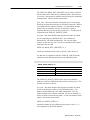
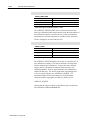
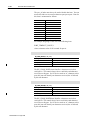
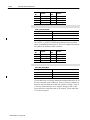
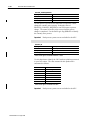
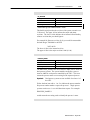
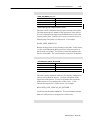
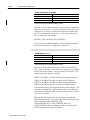
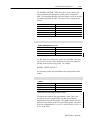
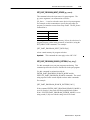
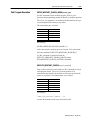
To change the next row of softkeys called by pressing a softkey, edit
the “Softkey Row Number ” field. You can change this field for the
five softkeys as well as the up arrow (back) and right arrow (more)
softkeys.
Publication 8520-6.6 - August 1999