1
6-
WorldCard
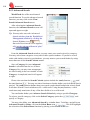
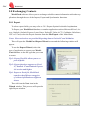
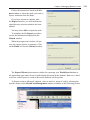
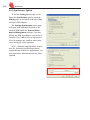
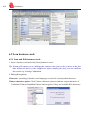
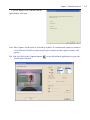
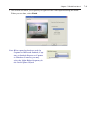
Note: When using Scan to ACT!, the program will ask you to input User ID, Password
and DB Path after clicking Recognize contact to address book for saving contact
into ACT! properly.
6.2.2 View business card image
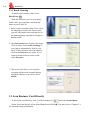
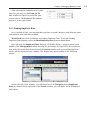
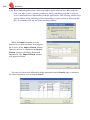
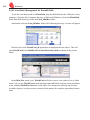
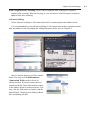
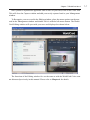
You can view the image of the business card by simply selecting the exportation contact
from your address book in Microsoft Outlook, and right click to select view attachment. You
can magnify the image of the business card or close the image viewed.
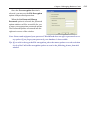
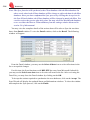
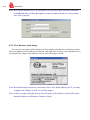
Note: WorldCard exports business card images into a user defined field of ACT!, you may
configure the settings of ACT! to view the images.
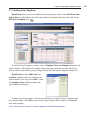
Note: It doesn't support the function of view the image of the business card in Microsoft
Outlook Express and Windows Contacts (Vista).