1
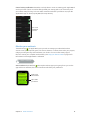
Note: Apple Watch automatically enters Power Reserve mode if the percentage of battery charge
remaining drops below approximately 10 percent.
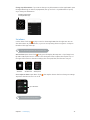
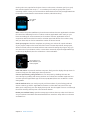
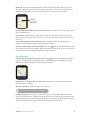
Return to normal power mode. Press and hold the side button to restart Apple Watch. There
must be sufficient charge in the battery for this to work.
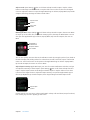
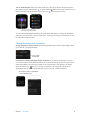
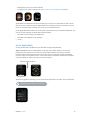
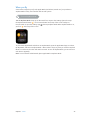
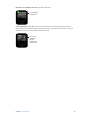
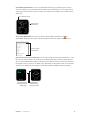
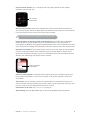
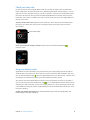
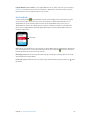
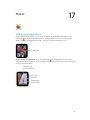
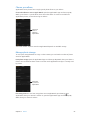
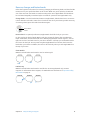
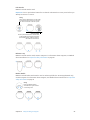
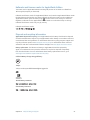
Check time since last charge. Open the Apple Watch app on iPhone, tap My Watch, then go
to General > Usage, where you can view the Usage and Standby values. These values, added
together, give you the elapsed time since the last full charge. Below that, you can see the Power
Reserve value.
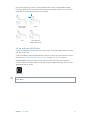
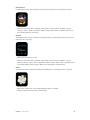
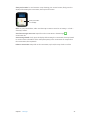
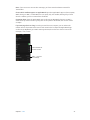
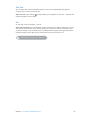
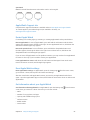
View power values.
View this user guide
You can view the Apple Watch User Guide on iPhone within the Apple Watch app, in Safari, or in
iBooks. You can also open and print a PDF of the user guide.
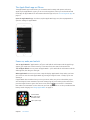
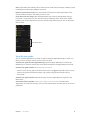
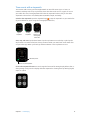
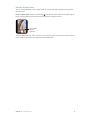
View the user guide from the Apple Watch app. Open the Apple Watch app on iPhone, tap
My Watch, go to General > About, then scroll down and tap View the Apple Watch User Guide.
View the user guide in Safari. Go to help.apple.com/watch.
•
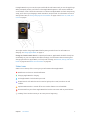
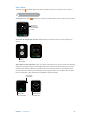
Add an icon for the user guide to the iPhone Home screen: Tap
, then tap Add to Home Screen.
•
View the user guide in a different language: Tap Change Language at the bottom of the
home page.
View the user guide in iBooks. Open iBooks, then search for “Apple Watch user guide” in the
iBooks Store.
View a PDF of the user guide. Go to support.apple.com/manuals/watch, find the latest
Apple Watch User Guide, and click PDF. (You can also find the iBooks and web versions of the user
guide here.)
Chapter 1 Get Started
14