1
OPTICODEC 7400
System Setup
ISDN
Configuration
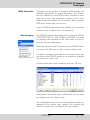
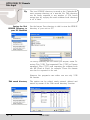
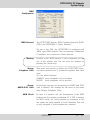
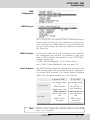
ISDN Protocol
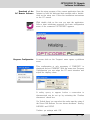
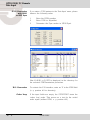
The OPTICODEC has several ISDN D-channel protocols.
Please make sure that you have selected the correct protocol. Decisive is the ISDN protocol of your connection, not
the one of the partner unit! Alter the settings by pressing
the 'Enter' key.
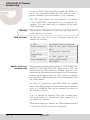
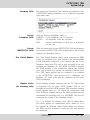
ISDN Interface
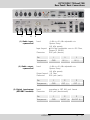
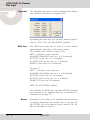
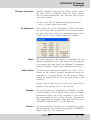
In this menu option the S0 and U interfaces to be used for
the transmission are selected. The function is only available if IMD4 modules are installed in the OPTICODEC.
Possible settings are:
S0 PMP (Point-to-Multipoint), S0 PP (Point-to-Point)
and U PMP (Point-to-Multipoint) (pls. see page 42.)
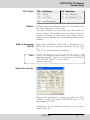
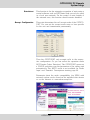
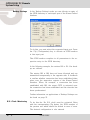
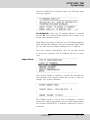
Local Numbers
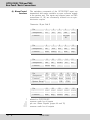
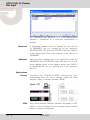
The ISDN numbers which are entered here, are sent to the
ISDN network when the connection has been established.
On certain ISDN networks [e.g. Private Branch Exchange
(PBX)*] the extension number has to be entered.
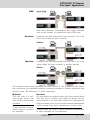
S0 without PBX*
1 x unit only
n x units
can remain vacant
or
ISDN number
without area code
ISDN number
without area code
and
MSN Check
activated
S0 on PBX*
can remain vacant
or
only the No. of
your extension
only the No. of
your extension
and
MSN Check
activated
(Test Called Number)
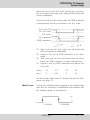
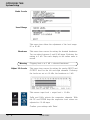
Note
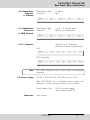
Should a local number be required, then all entry fields
have to be occupied.
OPTICODEC
E
63