1
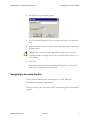
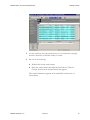
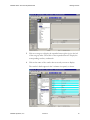
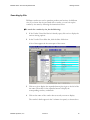
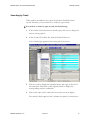
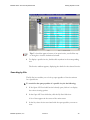
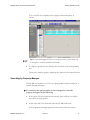
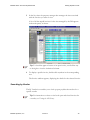
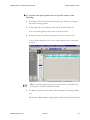
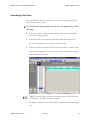
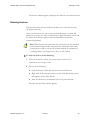
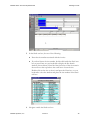
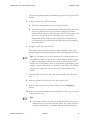
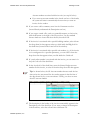
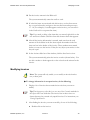
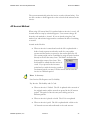
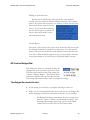
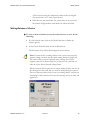
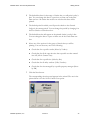
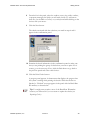
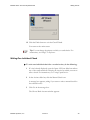
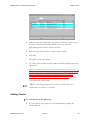
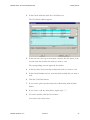
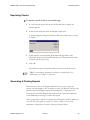
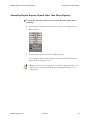
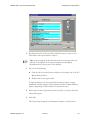
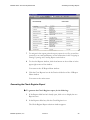
MultiSite Suite: Accounts Payable Module Logging Into Accounts Payable Invoice Entry window is designed for minimal mouse usage. Default descriptions and General Ledger codes, which help speed the invoice entry process. Checks can be written individually or in batches on a standard office laser printer, using inexpensive blank check stock. Full 1099 support. Supports both centralized and decentralized processing (data synchronization enables work to be performed at remote locations and then “synced” with the server at the central office). Users at remote sites and traveling property managers can access and update information. Unlimited histories of vendor invoices and checks are automatically maintained in the system. Unlimited journal items, such as notes, correspondence, phone calls, meetings, and so forth, can be added and updated for each user. Word files, Excel® files and image files, such as scanned contracts, photos, or correspondence can be attached to any journal item (note). Automatic posting to the General Ledger module (when checks are written for invoices). Fast, easy generation of reports that can be viewed, printed, exported to Excel, or sent as an e-mail attachment from one simple window. Security levels limit access to sensitive information, as needed. Logging Into Accounts Payable To log into the Accounts Payable module, do the following: MultiSite Systems, LLC 1 On your regular Windows® Desktop, double-click the Remote Desktop shortcut. 2 The system connects to a remote server via the Internet. Your Windows Desktop changes to the one associated with the MultiSite program. version 6 2