1
Displayed Test Patterns
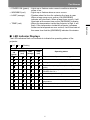
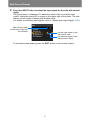
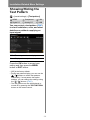
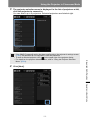
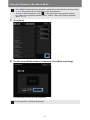
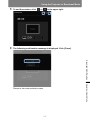
The test pattern can be displayed by pressing the TEST PATTERN button. Use this
when there is no image signal, etc.
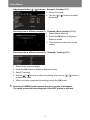
While the test pattern is displayed, you can use the [ ] / [ ] buttons to change to a
different test pattern. Also, if there is an option pattern available, you can use the
[ ] / [ ] buttons to switch pattern. A dialog box is shown during test pattern display
that identifies the current test pattern and provides operating instructions.
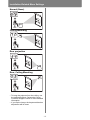
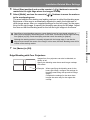
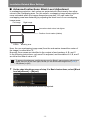
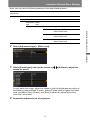
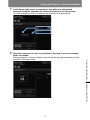
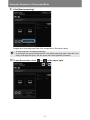
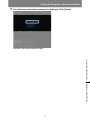
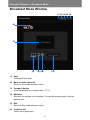
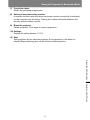
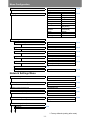
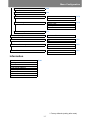
The following test patterns can be displayed.
Use [ ] / [ ] to
switch patterns
(1)
Use [ ] / [ ] to switch
option patterns
Color bar
(2)
Stairstep H
(3)
Stairstep V
(4)
Raster 100%
(White / red / green / blue)
(5)
Raster 50%
(White / red / green / blue)
(6)
Stairstep color
(7)
Checker
(8)
Multi
(10)
Focus
(11)
Border
Cross Hatch
(12)
287
Other Information
Character
Appendix
(9)