1
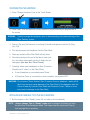
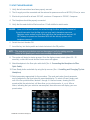
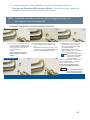
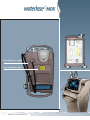
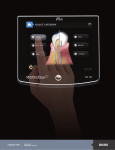
Press “Back” icon to return to the “Home screen”. Press the tip icon on the Home screen
to access the Select Tip screen (below).
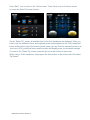
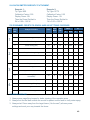
On the “Select Tip” screen, all available tips for the Gold handpiece are displayed. When you
select a tip, the calibration factor and expected power output appear on the “Gold Handpiece”
button at the bottom right of the screen (Actual power can vary from the expected power by as
much as ± 20%); press that button and the screen will display power, air and water settings.
To return to the “Select Tip” screen, press the tip icon at the bottom of the screen.
When using a Turbo handpiece, simply press the silver button on the bottom left of the select
Tip Screen.
5200999 Rev. D Waterlase MDX (01/14)