1
Jaguar IV User Manual
SignPal 10.5 Instruction
The new SignPal 10.5 Software is Windows System compatible and all versions support the AAS II contour cutting
function of RX, Jaguar IV, Puma III, Expert 24 LX, and Expert 52 LX cutting plotters.
SignPal 10.5 Instruction Index:
[1] Installing the SignPal 10.5 software
[2] Set up your GCC Cutter on Production Manager
-- SignPal AAS II Quick Start
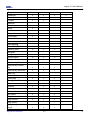
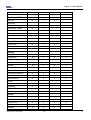
[3] SignPal 10.5 Feature Lists
[1] Installing the SignPal 10.5 software
To install the software, you must have Administrator privileges. To use the software, you must
have Administrator or Power User privileges. See your Windows user guide for more
information.
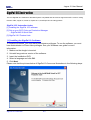
1. Make sure the dongle is inserted.
2. Uninstall any previous version of the software.
3. Insert the Installation DVD.
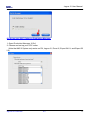
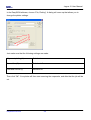
4. Select a language and click OK.
5. Click Next.
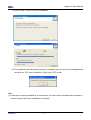
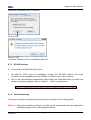
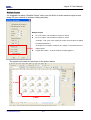
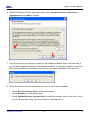
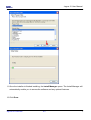
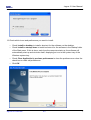
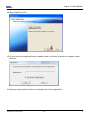
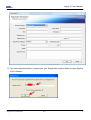
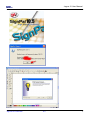
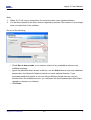
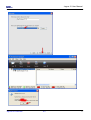
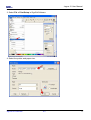
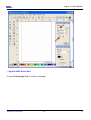
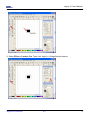
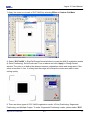
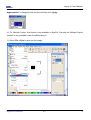
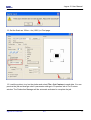
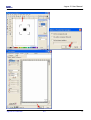
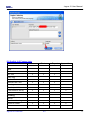
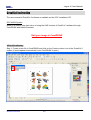
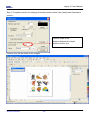
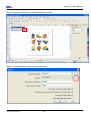
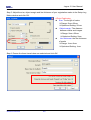
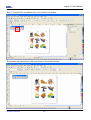
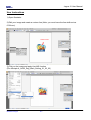
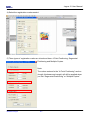
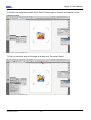
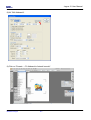
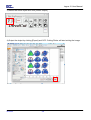
Please note that the pictures below of SignPal 10.5 serve as illustrations in the following steps.
SignPal 10.5 Instruction
A-4
1