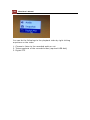
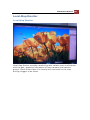
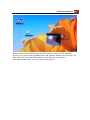
196 ESV16 User’s Manual Change Local-map Image
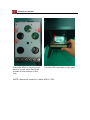
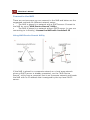
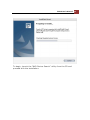
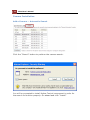
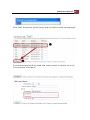
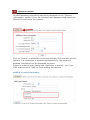
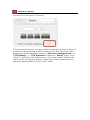
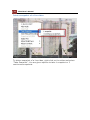
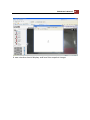
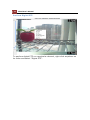
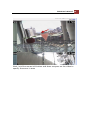
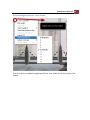
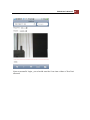
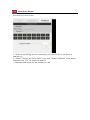
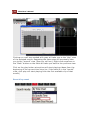
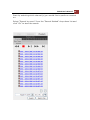
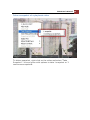
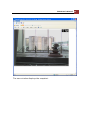
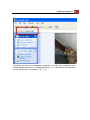
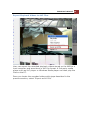
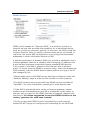
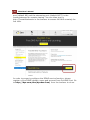
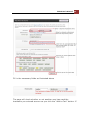
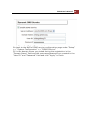
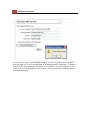
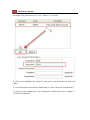
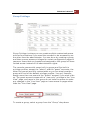
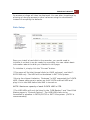
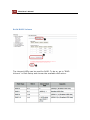
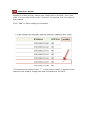
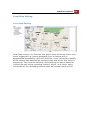
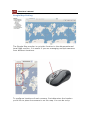
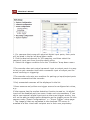
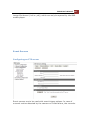
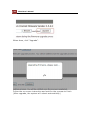
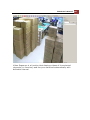
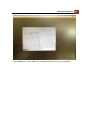
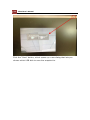
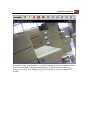
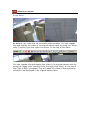
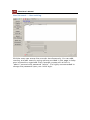
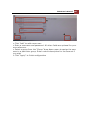
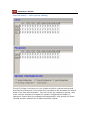
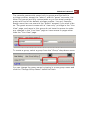
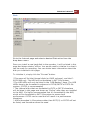
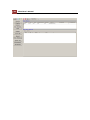
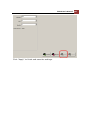
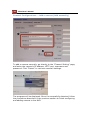
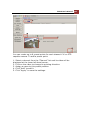
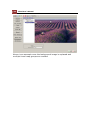
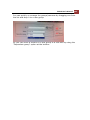
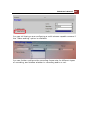
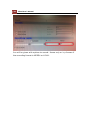
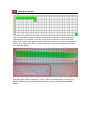
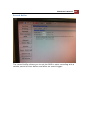
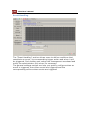
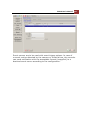
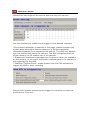
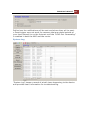
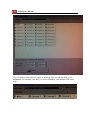
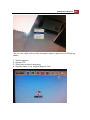
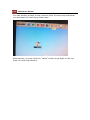
To change the map image, place your own image on a USB disk and
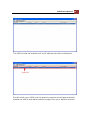
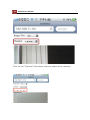
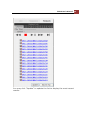
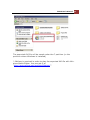
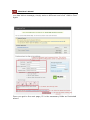
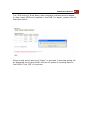
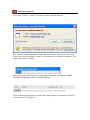
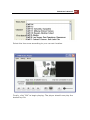
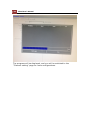
plug it into one of the USB ports on the NVR. Click "Browse" button
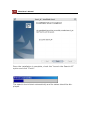
and select the USB disk when prompted.