1
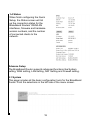
The Maximum Idle Time feature can control the connection time
while userís need to save the cost of connection fee from ISP
provider (default time=0, always connect). Click on the Connect-ondemand button to dial up to the ISP when only on demand, while
there is a need of connecting to the ISP automatically.
2-2-5 DNS
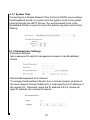
The Domain Name System (DNS) is the way that Internet domain
names are located and translated into Internet Protocol (IP)
addresses.
If your ISP provided at least one DNS Server IP Address, type that IP
Address in the Primary DNS address fields. You can type up to
another DNS Server IP Addresses. The Router will utilize these for
quicker access to functioning DNS Servers.
2-3 LAN
To set the LANís IP Address and DHCP Service.
2-3-1 LAN Settings
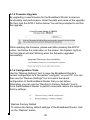
The default value is 192.168.1.1 for the IP address and
255.255.255.0 for the Subnet Mask. And you can also change the
value for your needs.
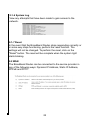
To enable the DHCP server for dynamic IP address allocation to the
clients PCs, click the
“Enable”. The client can
get the IP Addresses
25