1
Updating the Lunch Break Setting
With LUNCH BREAK set to OFF (factory setting), the EAGLE 2
automatically starts new TWA and PEAK reading collection and resets the
time in operation at startup.
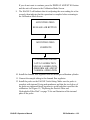
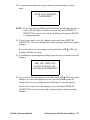
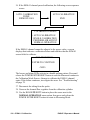
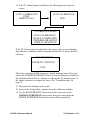
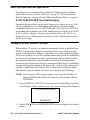
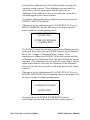
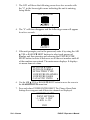
With LUNCH BREAK set to ON, the Resume Measurements Screen
displays during startup. From this screen, you can choose to continue
accumulating TWA and PEAK readings and the time in operation from the
last time the EAGLE 2 was used or start collecting new readings and reset the
time in operation.
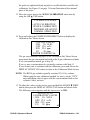
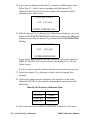
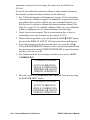
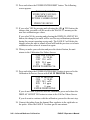
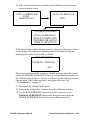
1. From the main menu, place the cursor next to LUNCH BREAK.
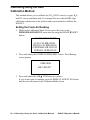
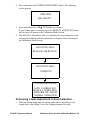
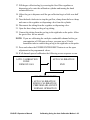
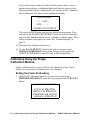
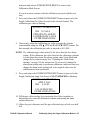
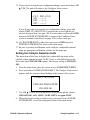
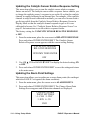
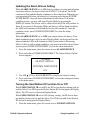
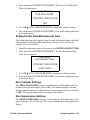
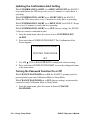
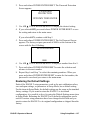
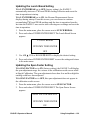
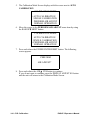
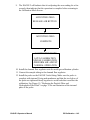
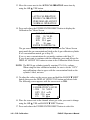
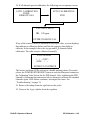
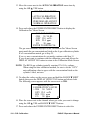
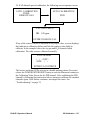
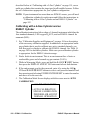
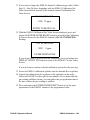
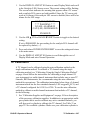
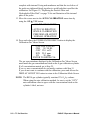
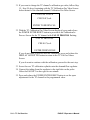
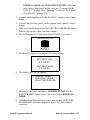
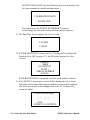
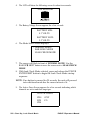
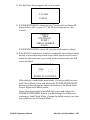
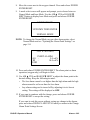
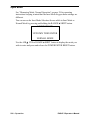
2. Press and release POWER ENTER RESET. The Lunch Break Screen
appears.
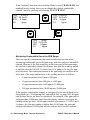
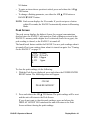
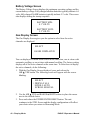
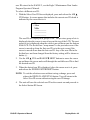
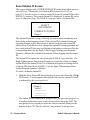
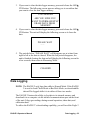
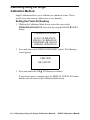
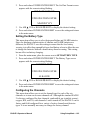
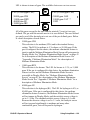
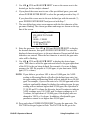
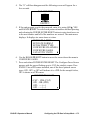
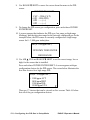
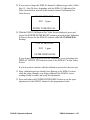
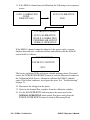
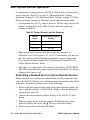
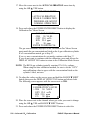
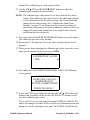
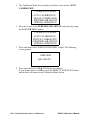
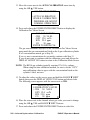
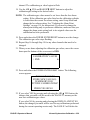
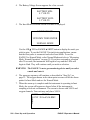
LUNCH BREAK
UP/DOWN THEN ENTER
OFF
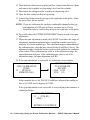
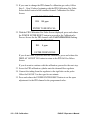
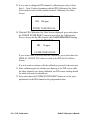
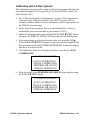
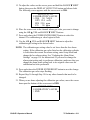
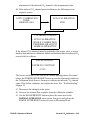
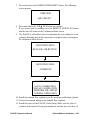
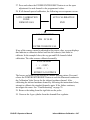
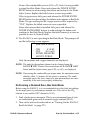
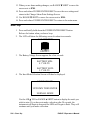
3. Use AIR ▲ YES or RANGE ▼ SHIFT to display the desired setting.
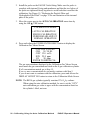
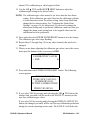
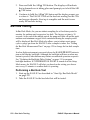
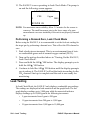
4. Press and release POWER ENTER RESET to save the setting and return
to the main menu.
Updating the Span Factor Setting
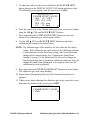
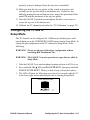
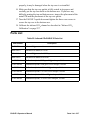
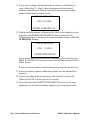
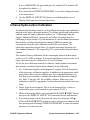
With SPAN FACTOR set to ON (factory setting), the EAGLE 2 will display
the span adjustment range for a sensor in the calibration results screen while
in Single Calibration. The span adjustment shows how low and how high the
reading could have been adjusted.
With SPAN FACTOR set to OFF, this span adjustment does not appear in
the calibration results screen.
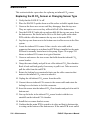
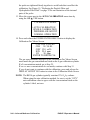
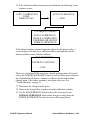
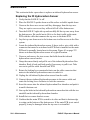
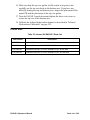
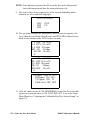
1. From the main menu, place the cursor next to SPAN FACTOR.
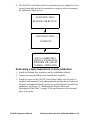
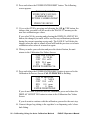
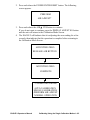
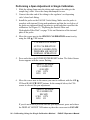
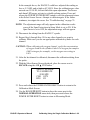
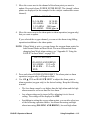
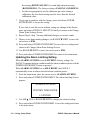
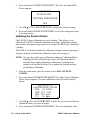
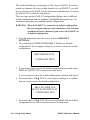
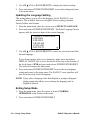
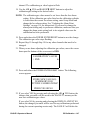
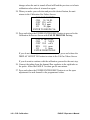
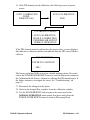
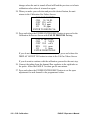
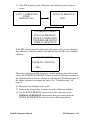
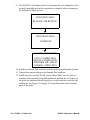
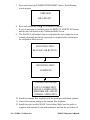
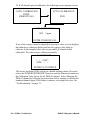
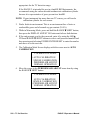
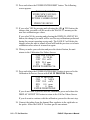
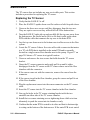
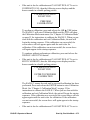
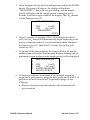
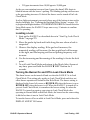
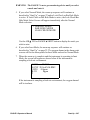
2. Press and release POWER ENTER RESET. The Span Factor Screen
appears.
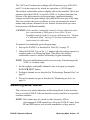
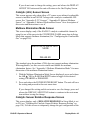
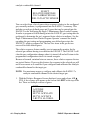
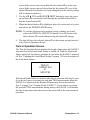
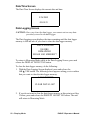
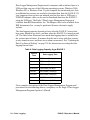
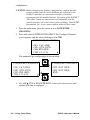
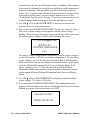
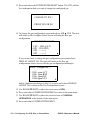
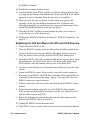
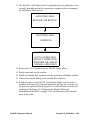
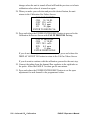
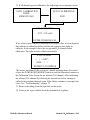
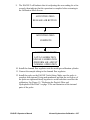
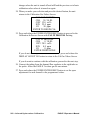
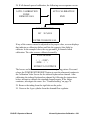
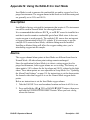
SPAN FACTOR DISPLAY
UP/DOWN THEN ENTER
ON
EAGLE 2 Operator’s Manual
Using Setup Mode • 129