1
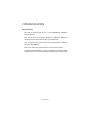
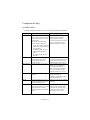
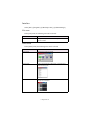
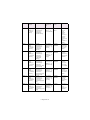
Location
Comments
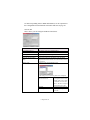
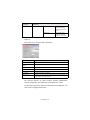
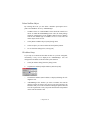
Change root password
You can set/change the root password for AdminManager, TELNET
and FTP.
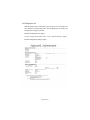
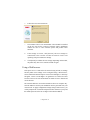
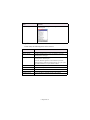
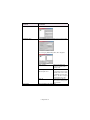
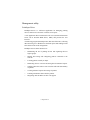
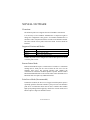
TCP/IP Tab
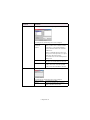
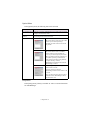
This allows you to configure TCP/IP related items.
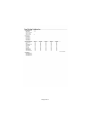
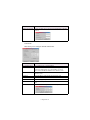
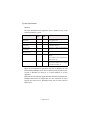
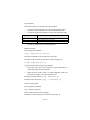
Location
Comments
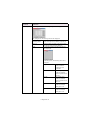
Use TCP/IP Protocol
Set TCP/IP protocol as enabled/disabled.
Use DHCP/BOOTP
Check this item if IP address, subnet mask, default gateway and IP
addresses for DNS primary server and secondary servers are
retrieved from the DHCP or BOOTP server. Otherwise, clear.
Use RARP
Check this item if IP address is retrieved from the RARP server.
Otherwise, clear.
IP Address
Set the IP address of the selected network interface card.
Subnet Mask
Set the subnet mask of the selected network interface card.
Default Gateway
Set the default gateway of the selected network interface card.
Use FTP/LPD Banner
Check this item if you want to add the FTP/LPD banner. Otherwise,
clear.
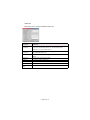
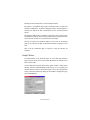
DNS Server . . .
Set IP addresses for DNS primary and secondary servers.
Configuration 25