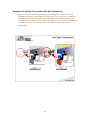
1
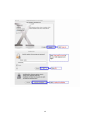
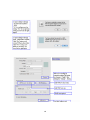
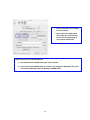
¾ Note 1: Check the TCP/IP Settings for your network ¾ Note 2: Most user applications will require you to select DHCP, but this can vary depending on your network architecture Important Note for Intel‐based Machines: 1) You should leave the WLAN utility open unless required. 2) If you must close the WLAN utility, it is better if you unplug the USB adapter first, then re‐insert the USB adapter after re‐opening the WLAN utility. 22