1
Chapter3 Innovative Product Feature
3.5 User Friendly
3.5.1 Wireless Switch
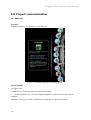
Scenarios
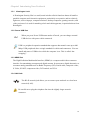
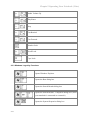
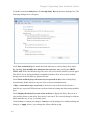
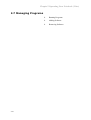
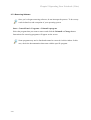
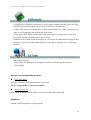
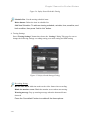
Users set the Wireless Switch preference. Only when Bluetooth and WLAN (802.11x)
devices both exist, users can adjust their preference.
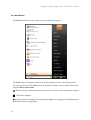
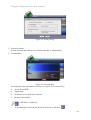
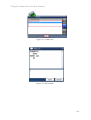
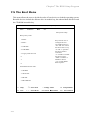
Figure 26: Wireless Switch Configuration Dialog
Operation Procedure
(1)
Apply both Bluetooth and WLAN (802.11x) devices.
(2)
Apply Bluetooth device.
(3)
Apply WLAN (802.11x) device.
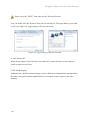
After selected, it will take effect by press “Enter” keyboard keypad immediately or
configurations will apply after 4 seconds.
You can also click the expected item by mouse cursor then it will apply the configurations
immediately.
3-25