1
KIPAS 2
User Manual
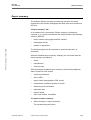
Analysis output
“General printer”
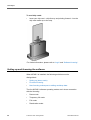
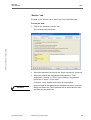
The analysis result is printed. Your standard computer printer is used as
the “General printer”.
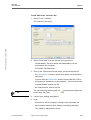
To print an analysis:
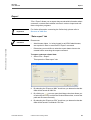
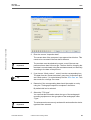
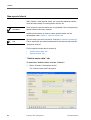
1. Select the “General printer” output option.
KIPAS 2 - User Manual • Version 07/2005
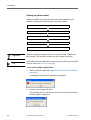
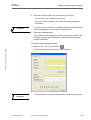
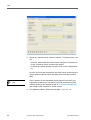
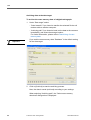
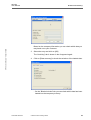
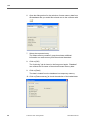
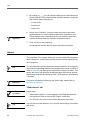
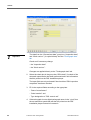
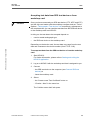
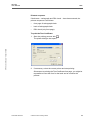
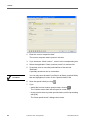
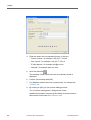
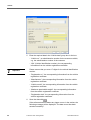
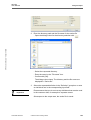
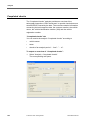
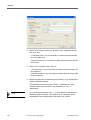
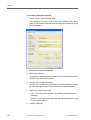
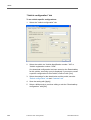
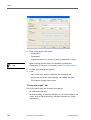
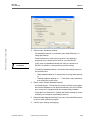
Subsequent to starting the output, the “Print” dialogue box opens.
1. Set your print settings, such as the number of copies.
2. Start the print process with [OK].
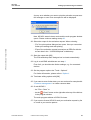
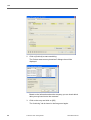
The “Print” dialogue box closes and the analysis data is sent to the
“General printer”.
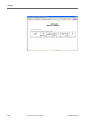
“Screen”
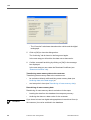
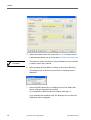
The analysis result is shown on the screen.
Condition
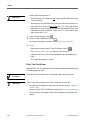
An output on the screen is only possible if the software Acrobat Reader
has been installed (see Installing Acrobat Reader) and if in “Tools >
Options”: “General” tab the correct directory path has been set.
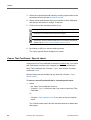
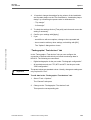
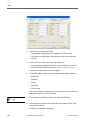
To output an analysis on the screen:
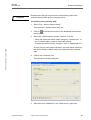
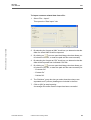
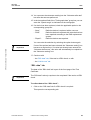
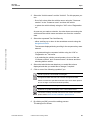
1. Select the “Screen” output option.
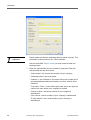
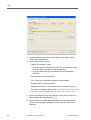
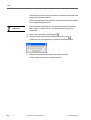
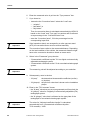
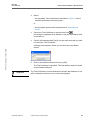
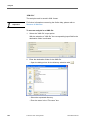
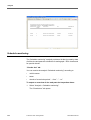
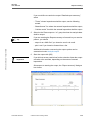
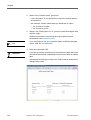
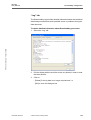
Subsequent to starting the output, the dialogue box “Acrobat
Reader” opens.
TU00-0880-5001002
© Siemens VDO Trading GmbH
103