1
7.4
After login:
•
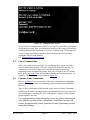
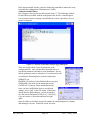
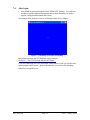
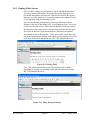
You should be presented with the Linux MWM GUI Desktop. You will now
be able to start the authorized programs and perform functions you need to
operate, configure and maintain the system.
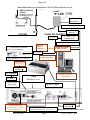
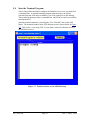
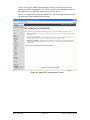
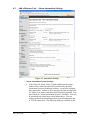
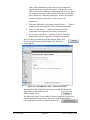
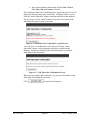
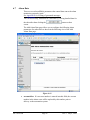
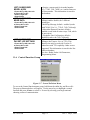
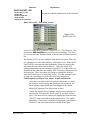
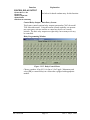
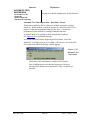
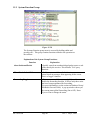
An example of the desktop screen as seen using remote access follows:
Figure 7-3 Remotely accessed GUI Desktop
Instructions for using the GUI Desktop can be found in:
Section 5.7 “The GUI Desktop and the AES Menu:”
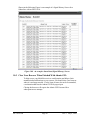
If you are connecting for a user associated with a Business Unit you will have the
Ipctrl program on the screen. Ipctrl is the interface you will use for managing
Subscribers assigned to you.
40-7705I-UM
Page 52
Rev 5 July 9, 2010