1
User's manual MioMap
4.3.2
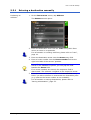
Selecting a point of interest
Points of interest
Points of Interest, also referred to as POIs, are stored in the
database of places and may be displayed on the map. Ports,
airports, restaurants, hotels, petrol stations, public buildings, and
others belong to the special destinations. They may be selected
as destination for navigation purposes.
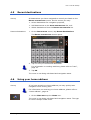
Special destination nearby
Note: You may only select points of interest nearby when the
GPS receiver is turned on and when the GPS signal strength is
sufficient.
Selecting a Point of
interest nearby...
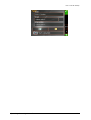
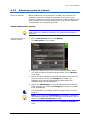
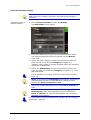
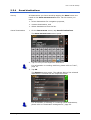
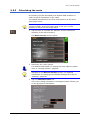
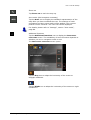
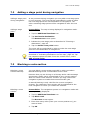
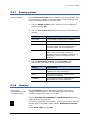
1. On the DESTINATION screen, tap Nearby.
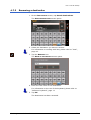
The POI NEARBY screen opens:
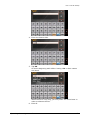
2. Enter the radius around your current position within which
you want to search for special destinations into the Radius
entry field.
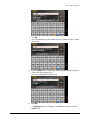
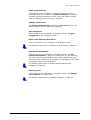
3. Select the main category of special destinations to search for
from the left one of the two Category list fields, e.g.
Garages. Only special destinations situated within the
indicated radius will be displayed.
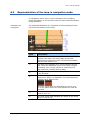
4. Select the Subcategory of special destinations to search for
from the right one of the two Category list fields, e.g. BMW,
Ford, Volkswagen.
For information on working with lists, please refer to "Lists",
page 16.
Note: If you leave the Subcategory field empty, all special
destinations matching with the selected main category will be
listed in the Point of interest list field.
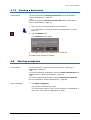
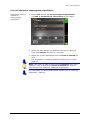
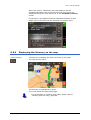
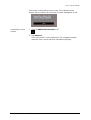
5. Select the correct destination from the Point of interest list
field.
Working in standard mode
- 31 -