1
Map-RT General Operation
Loading New Firmware
Use the latest firmware, available for download from the TPS
website, to ensure the receiver has the most recent updates.
The receiver board and power board must be loaded with firmware
from the same package. The Bluetooth module’s firmware is
independent of the receiver card and power board, and has a different
firmware package.
The receiver uses FLoader, a Windows-based utility, to load firmware
onto the receiver and power boards. You can download FLoader to
your computer from the TPS website. For more information, refer to
the FLoader User’s Manual, also available on the TPS website.
Both FLoader and CE-CDU can upload firmware to the receiver. The
following sections describe using FLoader to load new firmware.
1. Download and install FLoader, if applicable.
2. Download the new firmware package to your computer.
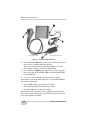
3. Connect your receiver and computer. See “Connecting the MapRT and a Computer” on page 3-12 for this procedure.
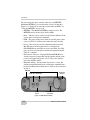
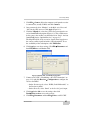
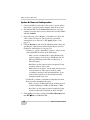
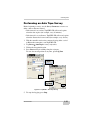
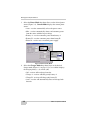
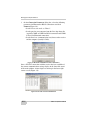
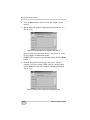
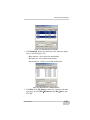
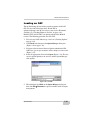
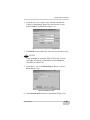
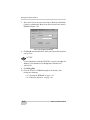
4. Start FLoader (Figure 3-25).
Figure 3-25. FLoader Main Screen
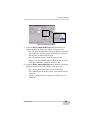
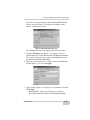
5. On the Connection tab, select the COM port on your computer
that connects with your receiver and select its speed (usually
115200) (Figure 3-25).
P/N 7010-0727
3-37