1
39
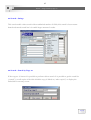
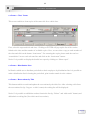
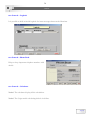
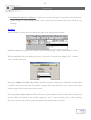
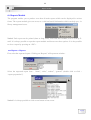
Search > short search-fast search
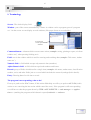
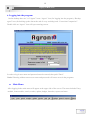
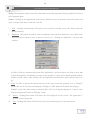
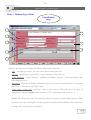
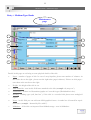
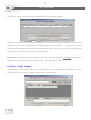
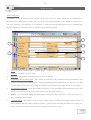
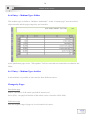
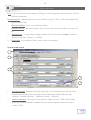
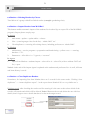
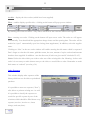
3. Title details - title’s details will be displayed between the 2 blue lines. go entry screen by locating
the cursor on the requested title and clicking on “Full display” button.
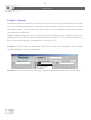
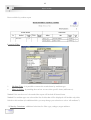
4. Report - clicking on this button will provide a report with the results.
Notice! The titles are arranged by author’s name (alphabetically) then by title name.
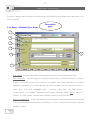
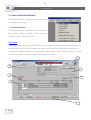
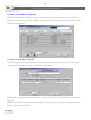
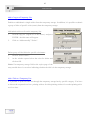
6.2 Search > Fast Search
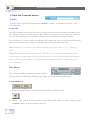
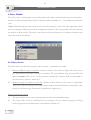
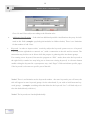
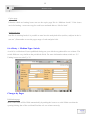
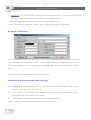
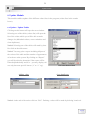
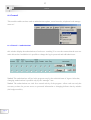
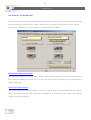
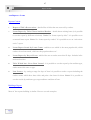
The fast search is similar to the short search - the search is by one field only (from the main fields
of the title) but here it is possible to select a value straight from the existing values lists to every
field. After selecting a value all the titles which includes the value in the selected field will appear.
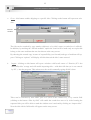
Notice! It is also possible to search a title by the copy no.
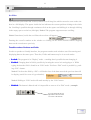
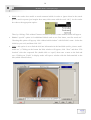
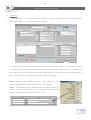
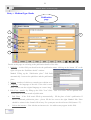
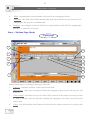
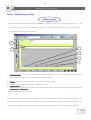
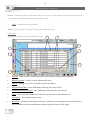
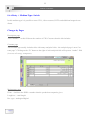
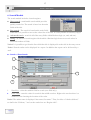
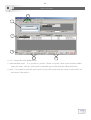
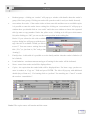
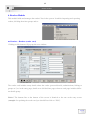
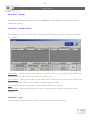
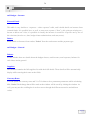
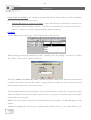
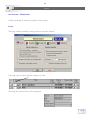
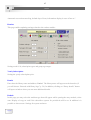
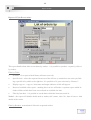
Search Results Screen (see picture at the next page)
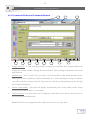
1.
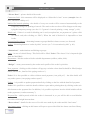
Display field - within the combo box it is possible to select one of the title’s fields and its
content will be displayed at the text box.
2.
Title’s details - it is possible to move through the different files in order to get more information about the title (mainly copies status).
3.
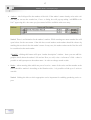
Titles found - will be displayed at the list with additional details.
Notice! Double-click on the title will display it in the entry screen.
Page 39