1
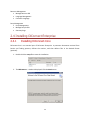
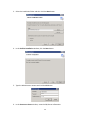
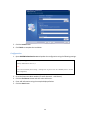
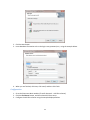
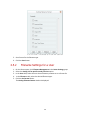
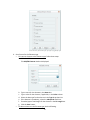
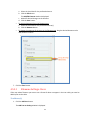
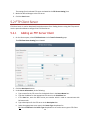
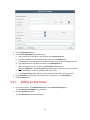
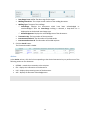
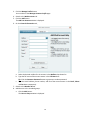
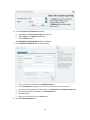
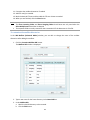
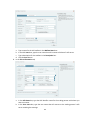
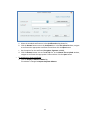
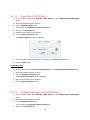
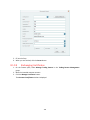
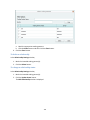
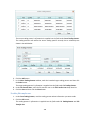
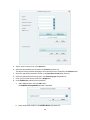
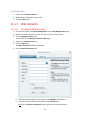
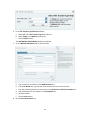
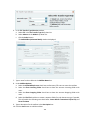
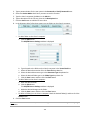
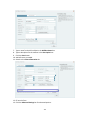
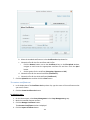
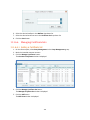
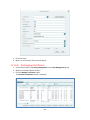
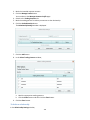
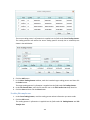
The source trading partner’s information is supplied into the fields under From Trading Partner.
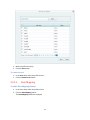
The trading partners with whom the source trading partner currently has a relationship are
shown in the table below.
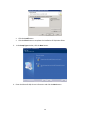
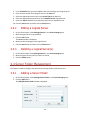
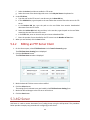
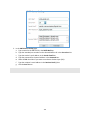
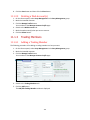
6. Click the Add button.
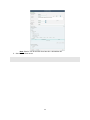
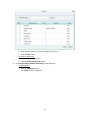
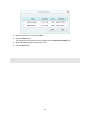
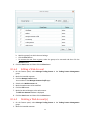
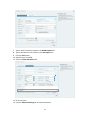
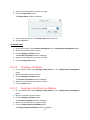
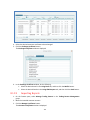
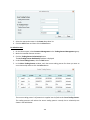
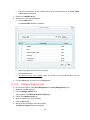
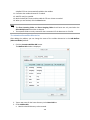
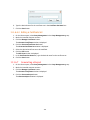
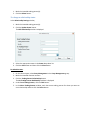
7. In the Select Trading Partner window, mark the intended target trading partner and then click
the Select button.
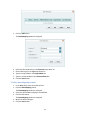
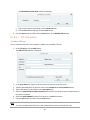
The target trading partner’s information is supplied into the fields under To Trading Partner.
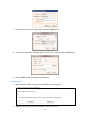
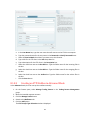
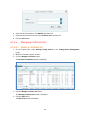
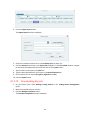
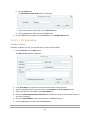
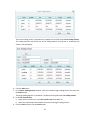
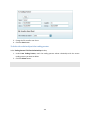
8. Under File Transfer User, select the file transfer user in the File Transfer User drop-down list.
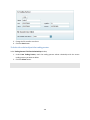
9. Click the Save and then click the Close button.
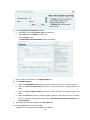
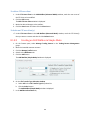
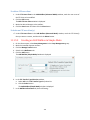
To edit a file transfer user
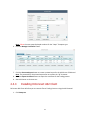
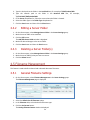
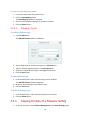
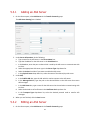
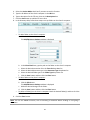
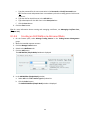
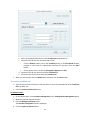
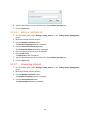
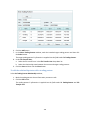
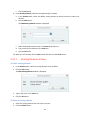
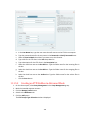
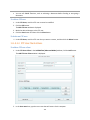
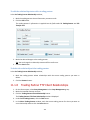
1. Under From Trading Partner, mark the trading partner whose information you want to edit.
2. Click the Edit button.
The trading partner’s information is supplied into the fields under To Trading Partner and File
Transfer User.
153