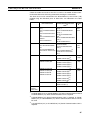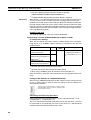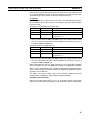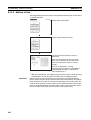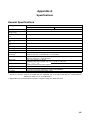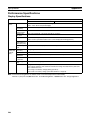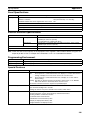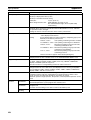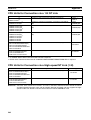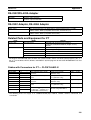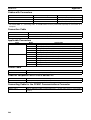
1
Section 4-1
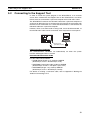
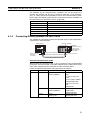
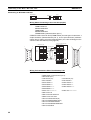
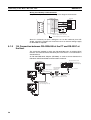
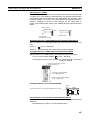
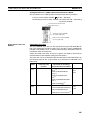
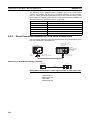
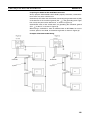
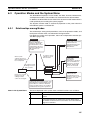
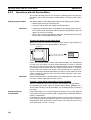
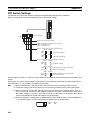
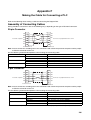
Connecting to the RS-232C Port at the Host
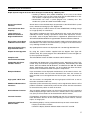
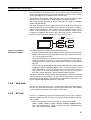
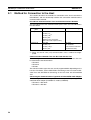
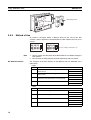
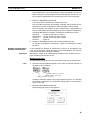
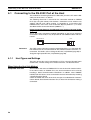
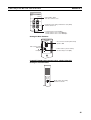
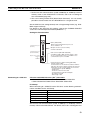
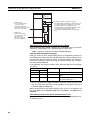
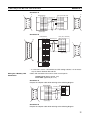
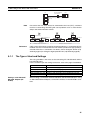
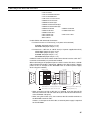
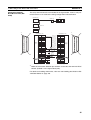
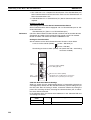
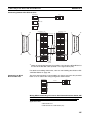
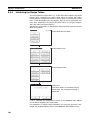
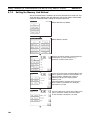
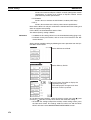
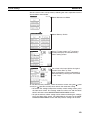
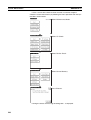
LK201
XMT
RUN
RCV
ERROR
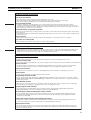
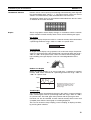
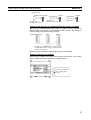
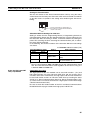
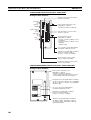
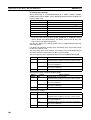
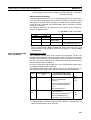
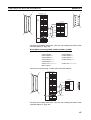
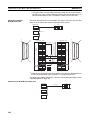
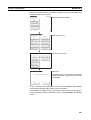
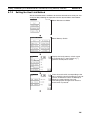
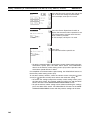
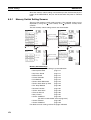
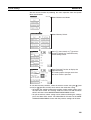
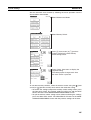
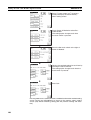
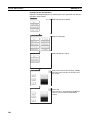
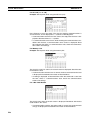
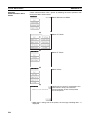
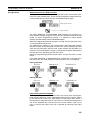
• Unit # (SW1, SW2)
Set these switches to 0.
SW2
SW1
0
0
SW3
SW4
5
2
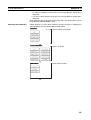
• Instruction level, parity, and transfer code (SW4)
Set this switch to 2.
• Communications speed (SW3)
Set this switch to 5 to select 9600 bps.
Set this switch to 6 to select 19200 bps.
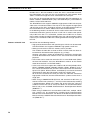
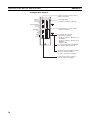
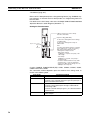
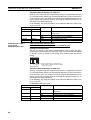
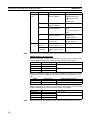
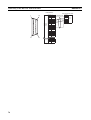
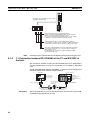
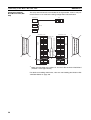
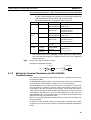
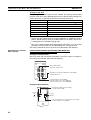
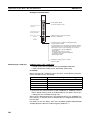
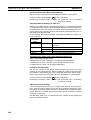
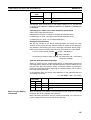
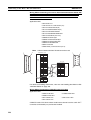
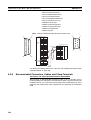
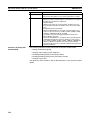
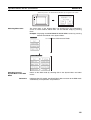
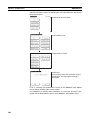
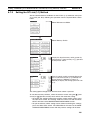
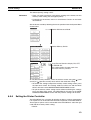
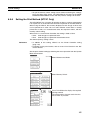
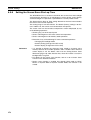
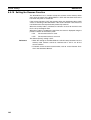
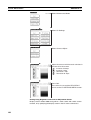
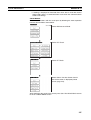
Setting the Rear Switches
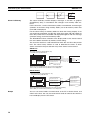
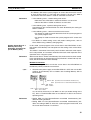
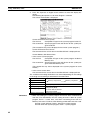
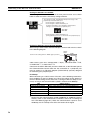
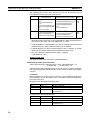
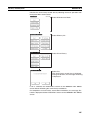
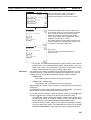
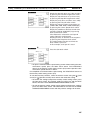
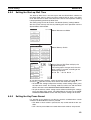
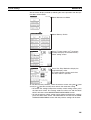
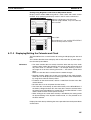
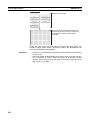
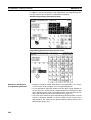
• 1-to-1/1-to-N selection (DIP switch)
Set #3 to ON.
ON
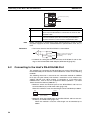
CTS selector switch
External
1
2
3
4
• CTS selection (selector switch)
Set this always to 0 V (ON).
0 V (ON)
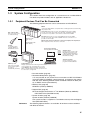
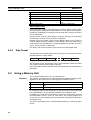
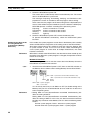
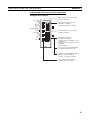
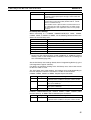
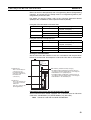
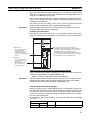
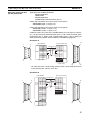
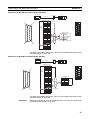
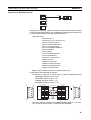
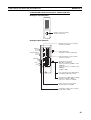
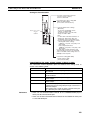
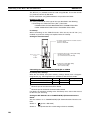
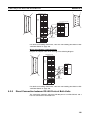
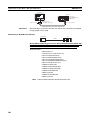
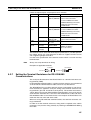
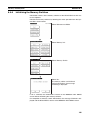
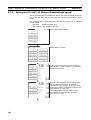
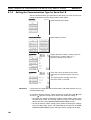
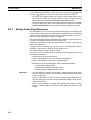
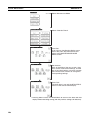
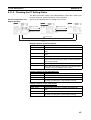
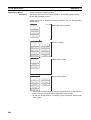
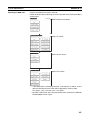
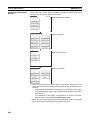
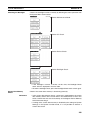
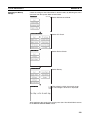
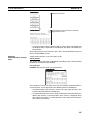
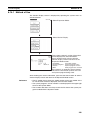
C1000H(F)/C2000H Rack-mounting Unit: 3G2A5-LK201-EV1
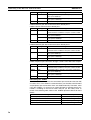
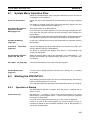
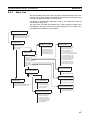
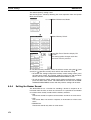
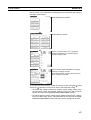
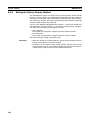
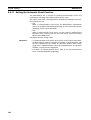
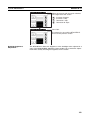
Setting the Front Switches
Local
Host
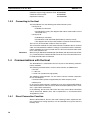
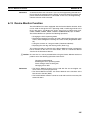
Mode control (key switch)
Set this to host link.
49