1
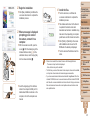
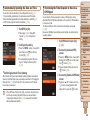
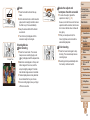
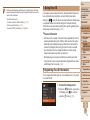
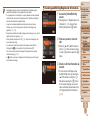
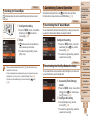
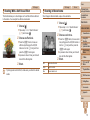
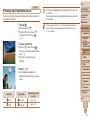
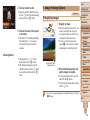
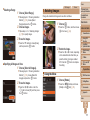
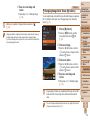
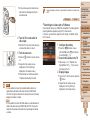
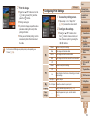
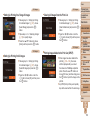
4 Save the settings.
zz
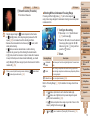
Press the <o><p> buttons or turn the
<5> dial to choose [Save], and then
press the <m> button.
zz
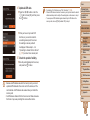
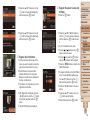
After a message is displayed, press the
<q><r> buttons or turn the <5> dial to
choose [Yes], and then press the <m>
button.
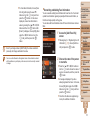
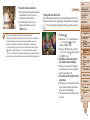
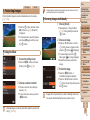
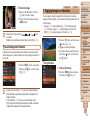
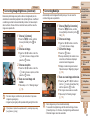
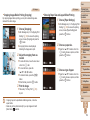
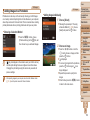
5 Continue registering face
information.
zz
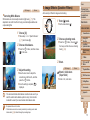
To register up to 4 more points of face
information (expressions or angles),
repeat step 2.
zz
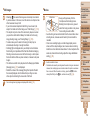
Registered faces are more easily
recognized if you add a variety of face
information. In addition to a head-on
angle, add a slight side angle, a shot
when smiling, and shots inside and
outside.
• The flash will not fire when following step 2.
• If you do not register a birthday in step 3, Babies or Children icons
] mode.
(= 51) will not be displayed in [
• You can overwrite registered face info, and add face info later if you have not
filled all 5 face info slots (= 61).
Cover
Shooting
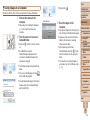
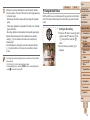
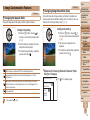
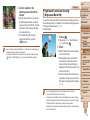
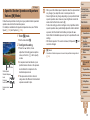
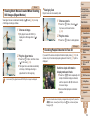
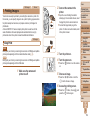
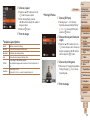
If you register a person ahead of time, the camera will prioritize that person
as the main subject, and optimize focus, brightness, and color for that
person when shooting.
XX
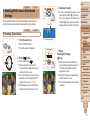
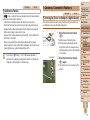
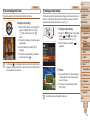
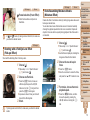
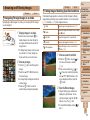
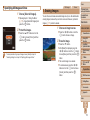
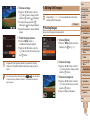
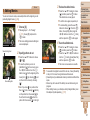
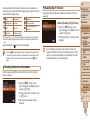
When you point the camera toward a
subject, the names of up to 3 registered
people will be displayed when they are
detected.
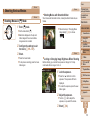
zz
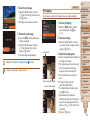
Shoot.
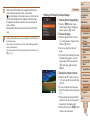
XX
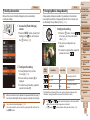
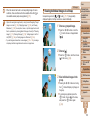
Displayed names will be recorded in still
images. Even if people are detected, but
their names are not displayed, the names
(up to 5 people) will be recorded in the
image.
• People other than those registered may be mistakenly detected as
the registered person if they share similar facial features.
Preliminary Notes
and Legal Information
Contents: Basic
Operations
Basic Guide
Advanced Guide
1
2
3
4
5
6
7
8
9
10
11
Camera Basics
Using GPS
Function
Auto Mode/
Hybrid Auto Mode
Other Shooting
Modes
P Mode
Tv, Av, and M
Mode
Playback Mode
Wi-Fi Functions
Setting Menu
Accessories
Appendix
Index
59