1
Internet 163
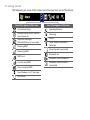
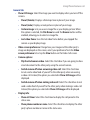
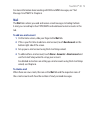
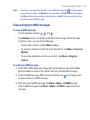
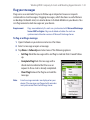
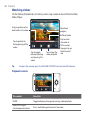
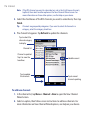
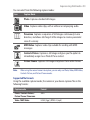
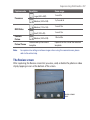
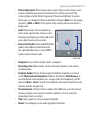
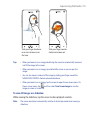
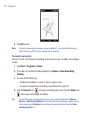
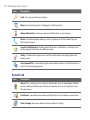
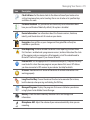
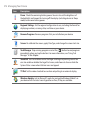
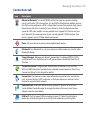
This control
Does this
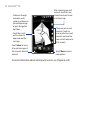
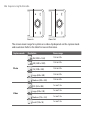
NAVIGATION left
(Landscape orientation)
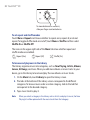
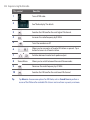
Press and hold to go back in the video
VOLUME BUTTONS
Press to adjust the volume.
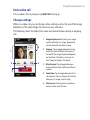
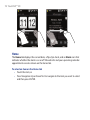
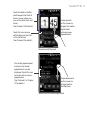
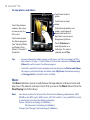
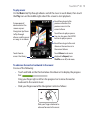
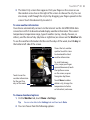
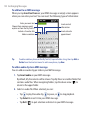
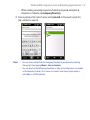
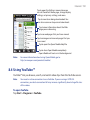
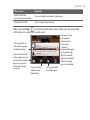
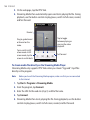
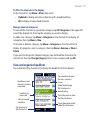
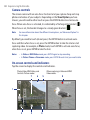
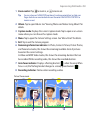
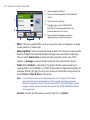
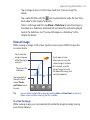
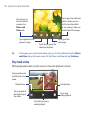
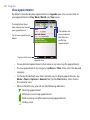
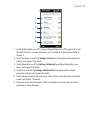
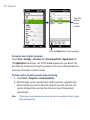
When you tap Stop (
) or finish watching the entire video, you are presented
with options on what you can do next.
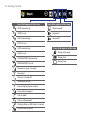
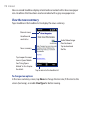
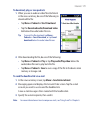
Tap to go to the
next page of
related videos.
If no action
is taken, it
automatically goes
to the next page
after 10 seconds.
Tap to view details
about the video
you just watched.
Tap to go back to
the previous page
of related videos.
Tap to send the link
to the video you just
watched to another
person using one
of the Messaging
accounts.
Tap to add the
video to your
Bookmarks.
Tap to play back
the video again.