1
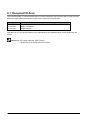
Note:
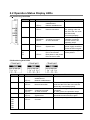
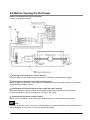
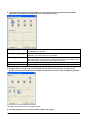
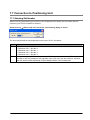
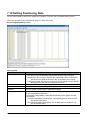
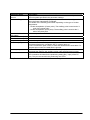
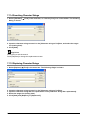
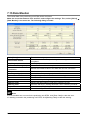
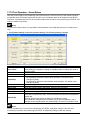
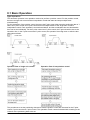
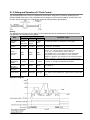
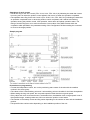
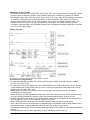
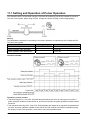
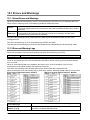
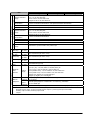
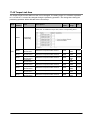
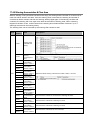
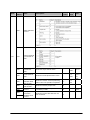
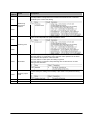
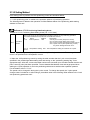
If an recoverable error occurred in the positioning unit RTEX, click [Error Clear] to clear the error.
If a warning occurred in the positioning unit RTEX, click [Warning Clear] to clear the warning.
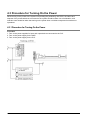
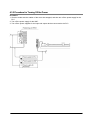
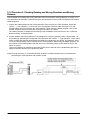
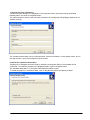
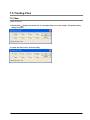
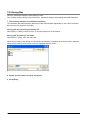
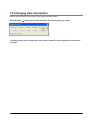
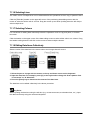
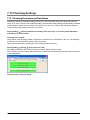
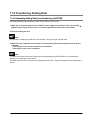
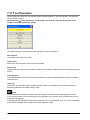
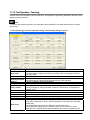
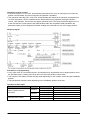
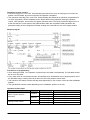
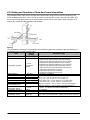
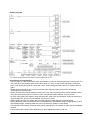
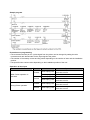
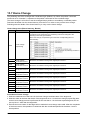
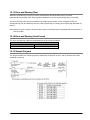
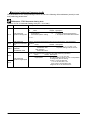
2. Click [Teaching] after stopping the axis at the desired position by the JOG operation, and input
the table number to execute the teaching operation.
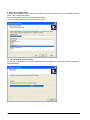
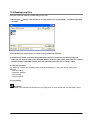
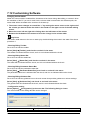
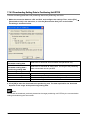
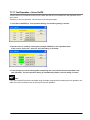
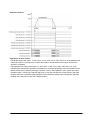
3. Click [OK] after inputting the table number. The current value is registered for the movement
amount of the specified table number. Also, if the axis that the teaching operation is performed
is the interpolation axis, the current value is registered for the movement amount of the
equivalent coordinate in the interpolation group.
Note:
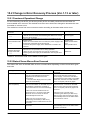
• The control method for the table number that the teaching operation was performed is automatically
changed to “Absolute”.
• The result of the teaching becomes effective once the tool operation quits and the setting data is
downloaded to the positioning unit RTEX.
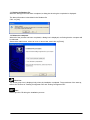
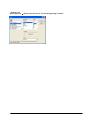
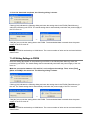
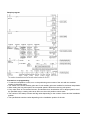
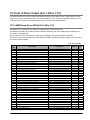
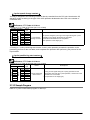
4. Click [Close] to close the dialog.
Note:
This dialog cannot be closed during the JOG operation.
7-44