1
JPEG2000 Stand alone DVR User Guide
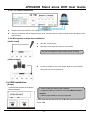
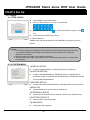
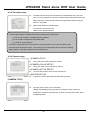
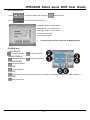
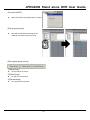
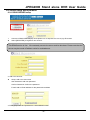
3-6 Zoom in
view
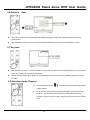
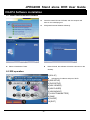
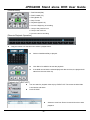
Go to the channel to be zoomed and press ZOOM to enlarge to 200%, use direction buttons to move the
enlarged part.
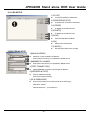
Use the direction buttons to choose an area and press ENTER to zoom. Press ZOOM again to cancel
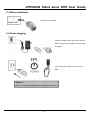
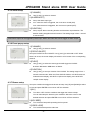
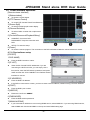
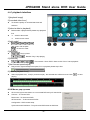
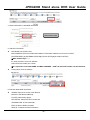
3-7 Key lock
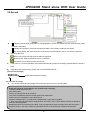
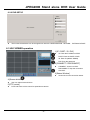
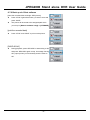
After pressing “K. LOCK “, you’ll see LOCK on screen and no button is fucntioning at this time. To unlock, press
and hold K.LOCK and enter Admin’spassword.
Please note that rebooting the DVR can not deactivate K.LOCK. You must enter ADMIN’s password to unlock
the keys.
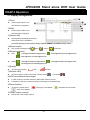
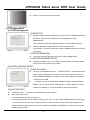
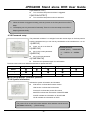
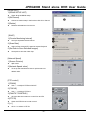
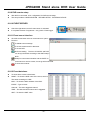
3-8 Selection Audio Channel
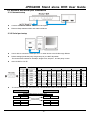
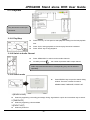
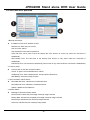
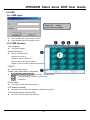
Press AUDIO you’ll see,
. The number indicates the current audio
output channel.
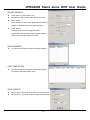
To go the next audio channel, press AUDIO again. Press Once to play
channel 1; press twice to play channel 2; press three times to play
channel 3; press four times to play channel 4 and five times to turn Audio
OFF.
- 18 -