1
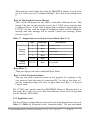
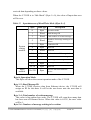
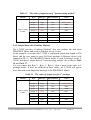
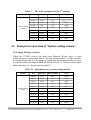
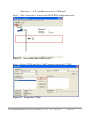
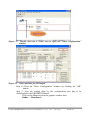
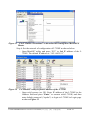
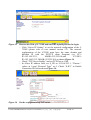
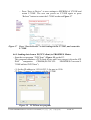
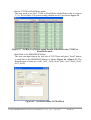
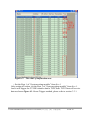
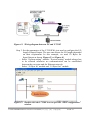
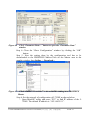
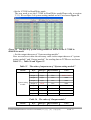
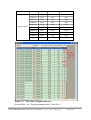
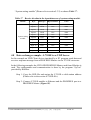
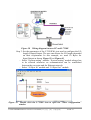
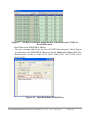
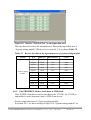
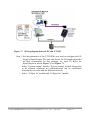
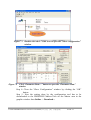
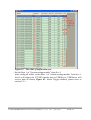
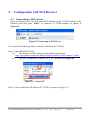
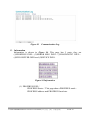
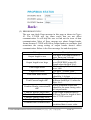
The left side is the function menu and the other is the setup page in the first page as shown Figure 88. Function menu: Login User Account Server IP Setting Client IP Setting Communication Log Information Reboot The “Reboot” button provides the user to restart the I-7550E when user login successfully. 5.3 Web Configuration—Setup page A. Login The user login and logout interface, as shown in Figure 89 Logout Login Figure 89 Login Note: The user can turn the switch on the back of the I-7550E to setting mode (Please refer to section 2.6) , and then user can login by using the default password of the I-7550E. The default password of the I-7550E is “icpdas” The idle time of web server is 5 minutes. If web server is idle more than 5 minutes, web server will logout automatically. I-7550E PROFIBUS/Ethernet Converter User Manual (Version 1.00, June/2014) PAGE: 83