1
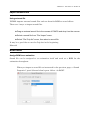
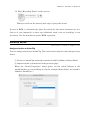
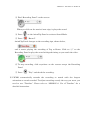
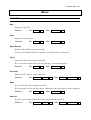
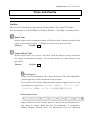
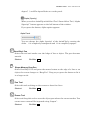
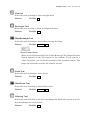
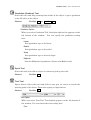
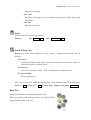
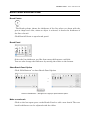
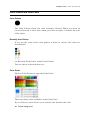
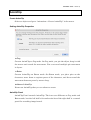
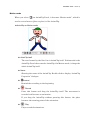
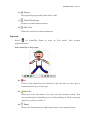
REFERENCE GUIDE:AnimClip Removes selected Key-frame or Tween setting. Shortcut: Win/Mac Shift F6 Onion Skin(Make frames, in front and behind, transparent) l Shows the contents of the frames in front and behind of the selected frame semi-transparently. The feature is useful when you want to draw as you watch the situation in those frames before and after. Play Control When two or more frames exist on Timeframe, a group of icons for playing animation appears. This remains on the window even if you close Timeline. l (To the) First Frame Click to move the play head to the beginning of the first frame Shortcut: Win/Mac l Shift 1 (To the) Previous Frame Click to move the play head to the previous frame. Shortcut: Win/Mac l 1 Play / Stop Click to play the animation from the point where the play head is currently positioned. Click again to stop playing. Shortcut: Win/Mac l 4 (To the) Next Frame Click to move the play head to the frame right behind the current frame. Shortcut: Win/Mac l 2 (To the) Last Frame Click to move the play head to the last frame Shortcut: Win/Mac Shift 2